Qt 6.12 LTS is out! See what's new in the release
blog
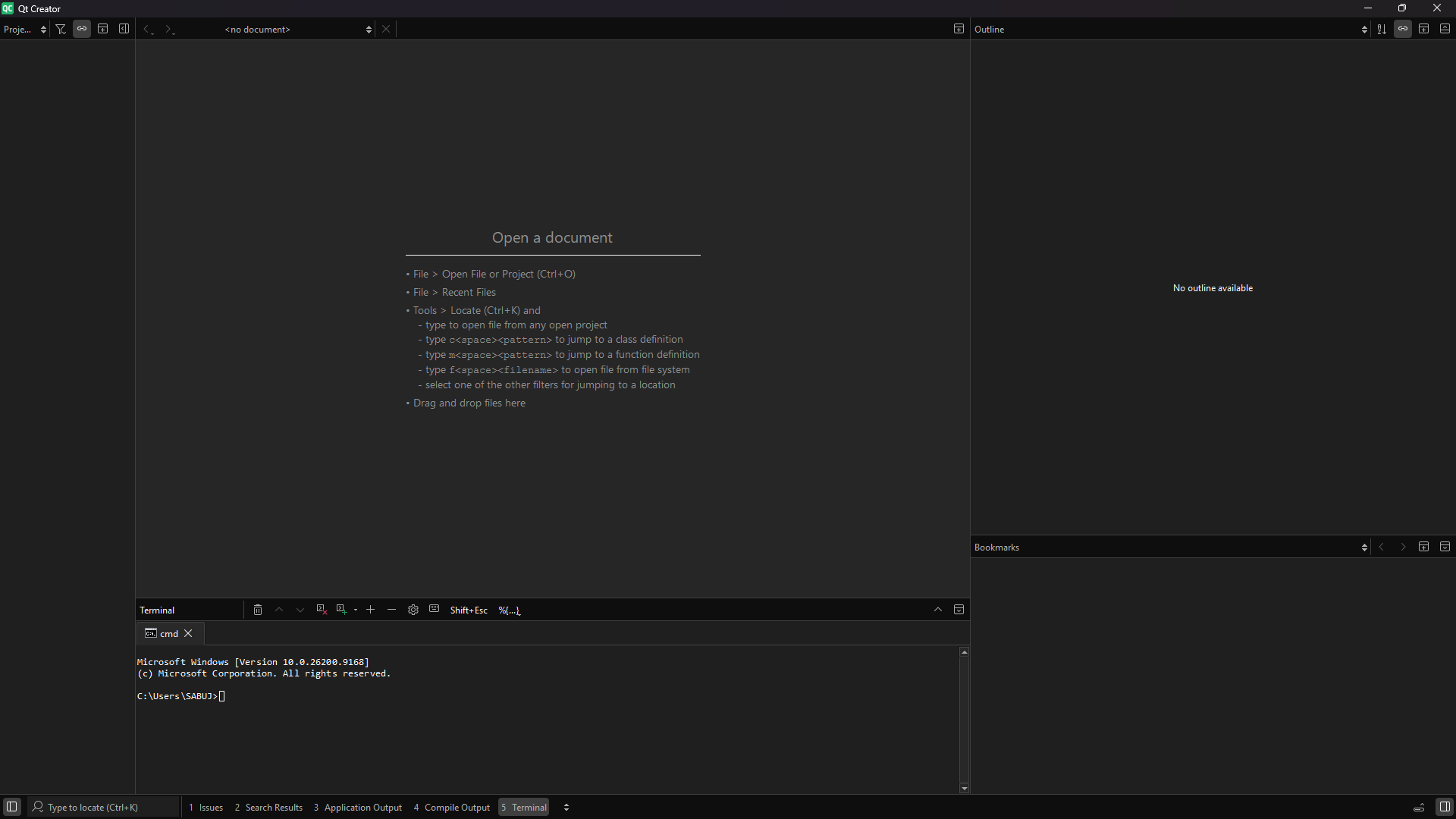
accidentally hide the menu bar and left side bar. How to fixed it.
-
 C Christian Ehrlicher moved this topic from General and Desktop on
-
In the locator (the little search box in lower left corner) type
t Show Menu Barand press enter.
Once you have menu back in the View menu there's a Modes submenu. In these select either Icons and Text or Icons Only option to show the side bar.