Skip to content
  • Categories
  • Recent
  • Tags
  • Popular
  • Users
  • Groups
  • Search
  • Get Qt Extensions
  • Unsolved
Collapse
Brand Logo
  1. Home
  2. Qt Development
  3. Qt Creator and other tools
  4. How to hide bottom panel
Qt 6.11 is out! See what's new in the release blog

How to hide bottom panel

Scheduled Pinned Locked Moved Unsolved Qt Creator and other tools
2 Posts 2 Posters 140 Views
  • Oldest to Newest
  • Newest to Oldest
  • Most Votes
Reply
  • Reply as topic
Log in to reply
This topic has been deleted. Only users with topic management privileges can see it.
  • J Offline
    J Offline
    JacobNowitsky
    wrote last edited by
    #1

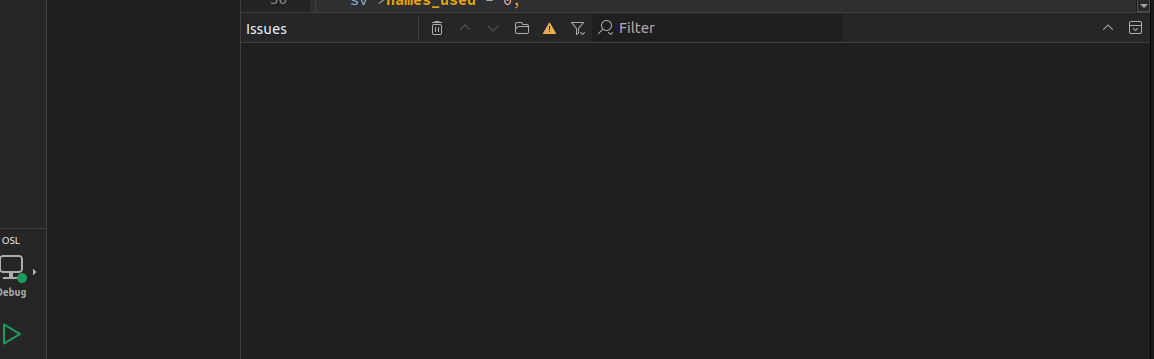
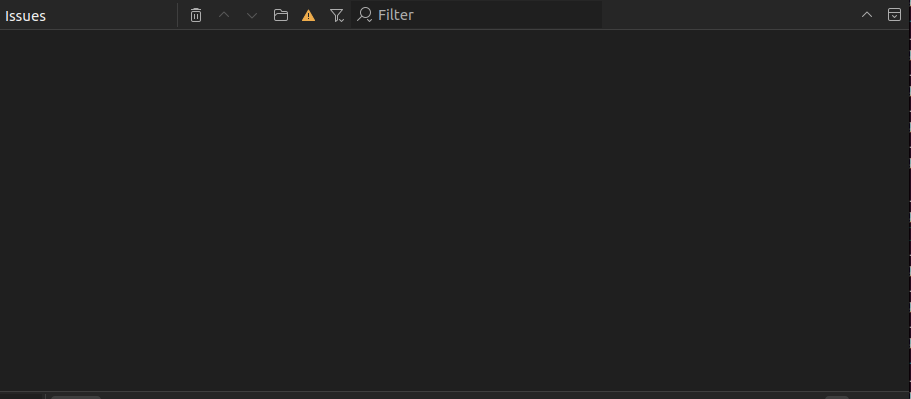
    Screenshot from 2026-07-21 15-41-35.png Screenshot from 2026-07-21 15-32-55.png

    How to hide bottom panel?
    This panel always tend to resize when I rebuild projects with Control+B
    i

    1 Reply Last reply
    0
    • Christian EhrlicherC Christian Ehrlicher moved this topic from General and Desktop
    • Christian EhrlicherC Offline
      Christian EhrlicherC Offline
      Christian Ehrlicher
      Lifetime Qt Champion
      wrote last edited by
      #2

      You should at least mention that your problem is within QtCreator when you are not even able to post in the correct category...

      Qt Online Installer direct download: https://download.qt.io/official_releases/online_installers/
      Visit the Qt Academy at https://academy.qt.io/catalog

      1 Reply Last reply
      0

      • Login

      • Login or register to search.
      • First post
        Last post
      0
      • Categories
      • Recent
      • Tags
      • Popular
      • Users
      • Groups
      • Search
      • Get Qt Extensions
      • Unsolved