
GDB Not Responding
-
I have the same problem like here: "GDB Not Responding"
"The gdb process has not responded to a command within 40 seconds. This could mean it is stuck in an endless loop or taking longer than expected to perform the operation.
You can choose between waiting longer or aborting debugging."
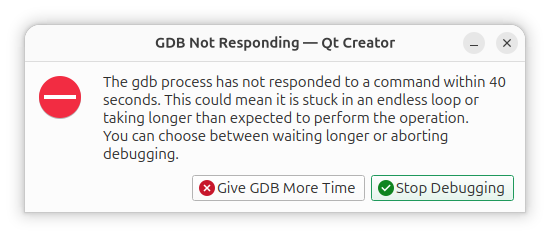
But when I push "Stop debugging" I have
"The command "/usr/bin/gdb -i mi" was canceled after 59268 ms.
Process crashed"Ubuntu 26.04
Product: Qt Creator 20.0.0
Based on: Qt 6.11.1 (GCC 11.5.0 20240719 (Red Hat 11.5.0-5), x86_64)
Built on: Mon Jun 15 10:32:36 2026
From revision: 34a64f81a2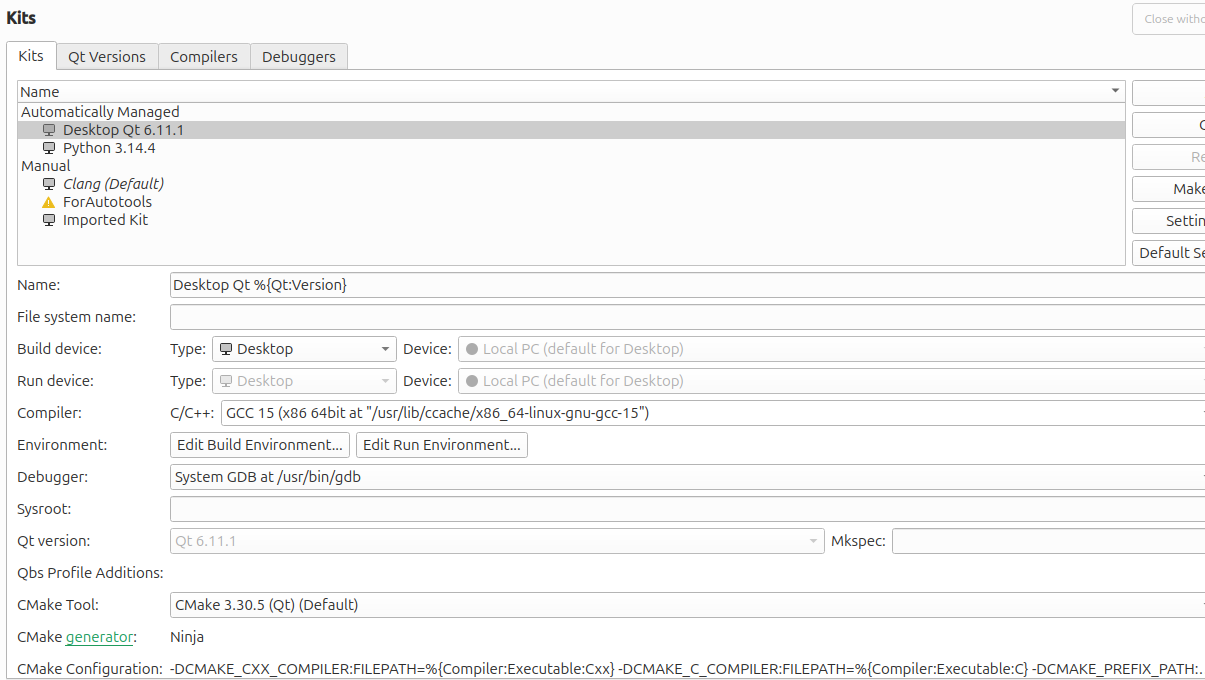
$ /usr/bin/gdb --version
GNU gdb (Ubuntu 17.1-2ubuntu1) 17.1
Copyright (C) 2025 Free Software Foundation, Inc.
License GPLv3+: GNU GPL version 3 or later <http://gnu.org/licenses/gpl.html>
This is free software: you are free to change and redistribute it.
There is NO WARRANTY, to the extent permitted by law.
I can disable QML debugging. In this case I don't see "GDB Not Responding" after some time but app doesn't start. If I close Qt Creator then I met "GDB Not Responding" error.
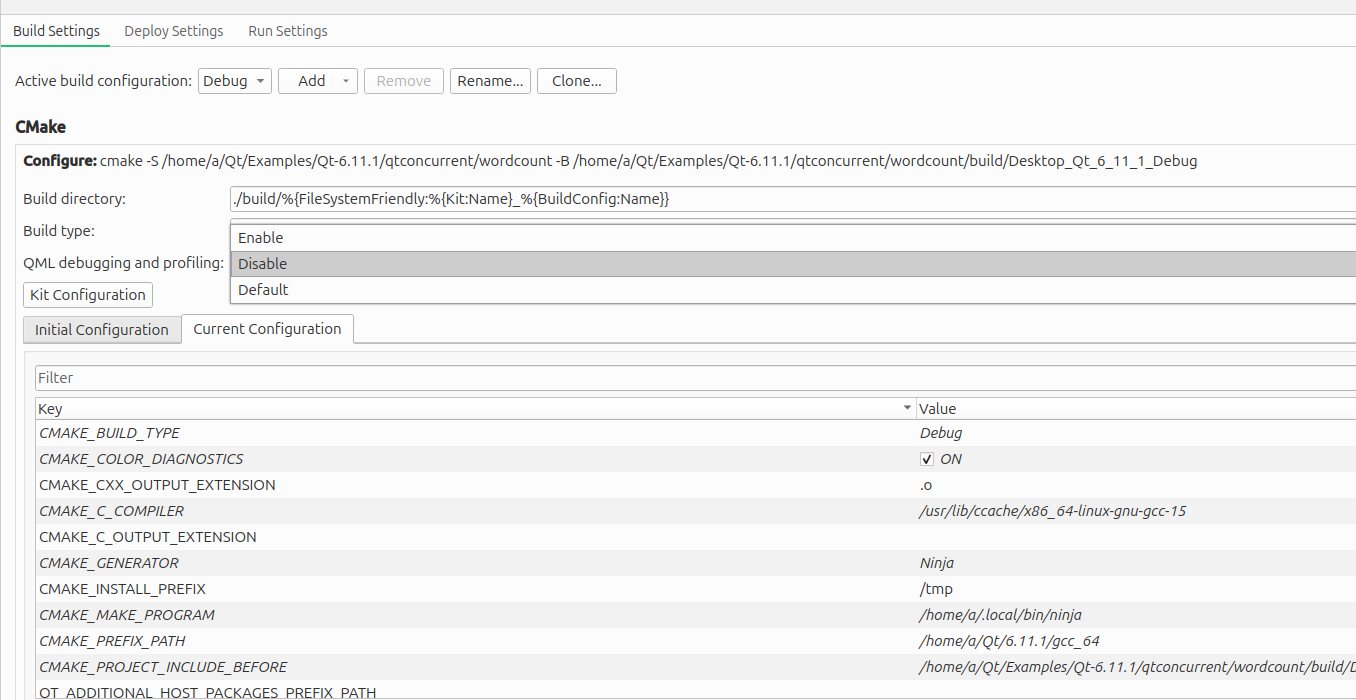
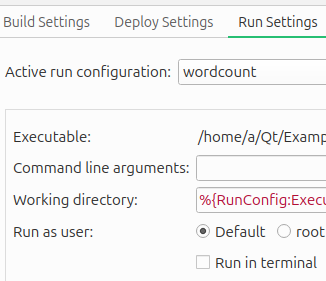
(However I am not interesting in QML, I don't use QML in my apps.)I can turn on or off "Run in terminal" checkbox but for me it doesn't change anything.
Upd. I tried to update to Qt 6.12-0-beta2 but result is the same with 1 extra warning
.gdb_index address table has a range (0x83d0 - 0x83f3) that overlaps with an earlier range, ignoring .gdb_indexI had well-working debugging. But then update Qt and Qt Creator... How to debug?
-
I have the same problem like here: "GDB Not Responding"
"The gdb process has not responded to a command within 40 seconds. This could mean it is stuck in an endless loop or taking longer than expected to perform the operation.
You can choose between waiting longer or aborting debugging."
But when I push "Stop debugging" I have
"The command "/usr/bin/gdb -i mi" was canceled after 59268 ms.
Process crashed"Ubuntu 26.04
Product: Qt Creator 20.0.0
Based on: Qt 6.11.1 (GCC 11.5.0 20240719 (Red Hat 11.5.0-5), x86_64)
Built on: Mon Jun 15 10:32:36 2026
From revision: 34a64f81a2
$ /usr/bin/gdb --version GNU gdb (Ubuntu 17.1-2ubuntu1) 17.1 Copyright (C) 2025 Free Software Foundation, Inc. License GPLv3+: GNU GPL version 3 or later <http://gnu.org/licenses/gpl.html> This is free software: you are free to change and redistribute it. There is NO WARRANTY, to the extent permitted by law.I can disable QML debugging. In this case I don't see "GDB Not Responding" after some time but app doesn't start. If I close Qt Creator then I met "GDB Not Responding" error.
(However I am not interesting in QML, I don't use QML in my apps.)I can turn on or off "Run in terminal" checkbox but for me it doesn't change anything.
Upd. I tried to update to Qt 6.12-0-beta2 but result is the same with 1 extra warning
.gdb_index address table has a range (0x83d0 - 0x83f3) that overlaps with an earlier range, ignoring .gdb_indexI had well-working debugging. But then update Qt and Qt Creator... How to debug?
@DungeonLords
The topic you reference was apparently resolved/worked around by disabling Run in terminal but not yours, so I presume it's a different cause. I don't know whether other people will be able to help you on this. If you want a diagnose where the problem lies I would:-
Run gdb on your QML application directly from the command line. Does that work fine or have the same issue? Then you know whether it is to do with Creator or not.
-
Write the minimal "Hello World" app in QML and debug that from Creator. Fine or goes wrong? Then you know whether it is due to something specific in your code.
-
-
 C Christian Ehrlicher moved this topic from General and Desktop on
-
D DungeonLords has marked this topic as solved
