
Unable to create bug report on Jira
-
Recently I found a bug in Qt, and I want to report it following https://wiki.qt.io/Reporting_Bugs
I created a new user in account.qt.io using my gmail email, then logged into Jira (qt-project.atlassian.net) through the same email (using Google Sign-In). Looks like Jira then redirected to account.qt.io to login. However, then after clicking "+ Create" on Jira, I see:
Create issue
You are not authorized to perform this operation. Please log in.
Close this dialog and press refresh in your browser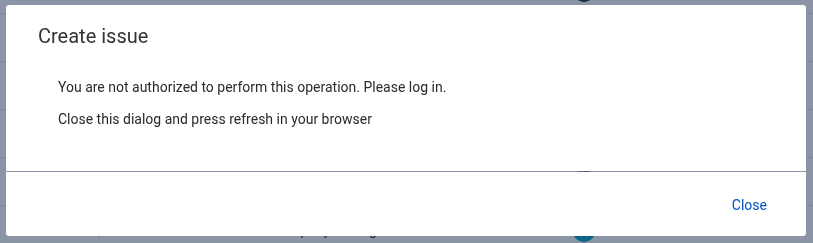
I saw https://forum.qt.io/topic/163873/unable-to-comment-create-bug-reports-on-jira , but I am not sure whether it is the same issue.
Can someone help? I am using the same email for Qt Forum. I am happy to private message you my email if needed. Thank you!
-
Currently I am putting my bug report here: https://gist.github.com/lxylxy123456/7a6b36419831c2479d2d59a6efe6949d
I also created a PR on GitHub: https://github.com/qt/qtbase/pull/128 -
Have you checked this announcement?
There was a Jira migration recently and you may have experienced one of the known issues.
The announcement also provides contact options in case you can't solve the issue easily. -
Please try https://wiki.qt.io/Jira_Cloud_migration#First_time_users (the self-serve automatic login). There is a bug in Jira which prevents you from logging in unless you use very specific URLs (when doing the first login). The bug and work around are listed under the link above. This is only a problem during the very first time, as the first time adds your account to the internal permission table to access the cloud instance.
-
I used the link (https://qt-project.atlassian.net/jira/your-work) in the wiki page, and I am able to successfully create the ticket. Thank you!
-
 A aha_1980 referenced this topic on

