
Possible missed Enter event in Qt 6.9.3 causing QPushButton hover state to get stuck
-
It's already fixed - please use a recent Qt version
QTBUG-128391 -
It's already fixed - please use a recent Qt version
QTBUG-128391@Christian-Ehrlicher
QTBUG-128391 switched childAt() to floating-point hit testing.
In my case, the hit test already finds the correct button, but the subsequent coordinate conversion produces a tiny negative Y value, causing Enter to be skipped.I can still reproduce this with the same minimal example on Qt 6.12.0, Windows, at 150% scaling.
-
It's already fixed - please use a recent Qt version
QTBUG-128391@Christian-Ehrlicher
I reviewed QTBUG-128391 and its patch. I’m confident this is a separate issue, and I’ve confirmed that the same minimal example still reproduces it on Qt 6.12.0.I’m new to reporting Qt bugs, so I’d appreciate it if you could take a look at the example and help confirm whether this should be tracked separately.
Thank you so much, Christian. It means a lot to me that you’ve taken the time to help.
-
I can't reproduce your problem with 6.12 so please test it with a recent version
-
I can't reproduce your problem with 6.12 so please test it with a recent version
@Christian-Ehrlicher
Thanks for trying to reproduce it, Christian. I tested the same example with Qt 6.12.0 (MSVC x64) on Windows at 3840 × 2160 with 150% display scaling, and I can still reproduce it intermittently.
If it doesn’t happen at the initial window position, could you try moving the window to another spot on the screen and then slowly moving the pointer across a button’s top edge? The reproduction seems sensitive to the window’s position.
I’d also be happy to record a short video showing how I reproduce it. What’s the best way to share the video here?
Thanks again for taking the time to check. -
@Christian-Ehrlicher
Thanks for trying to reproduce it, Christian. I tested the same example with Qt 6.12.0 (MSVC x64) on Windows at 3840 × 2160 with 150% display scaling, and I can still reproduce it intermittently.
If it doesn’t happen at the initial window position, could you try moving the window to another spot on the screen and then slowly moving the pointer across a button’s top edge? The reproduction seems sensitive to the window’s position.
I’d also be happy to record a short video showing how I reproduce it. What’s the best way to share the video here?
Thanks again for taking the time to check.@DongHao said in Possible missed Enter event in Qt 6.9.3 causing QPushButton hover state to get stuck:
What’s the best way to share the video here?
Make a GIF and upload the same way as other images.
For me it also works. I don't see anything wrong. But maybe we are not doing what you do...
-
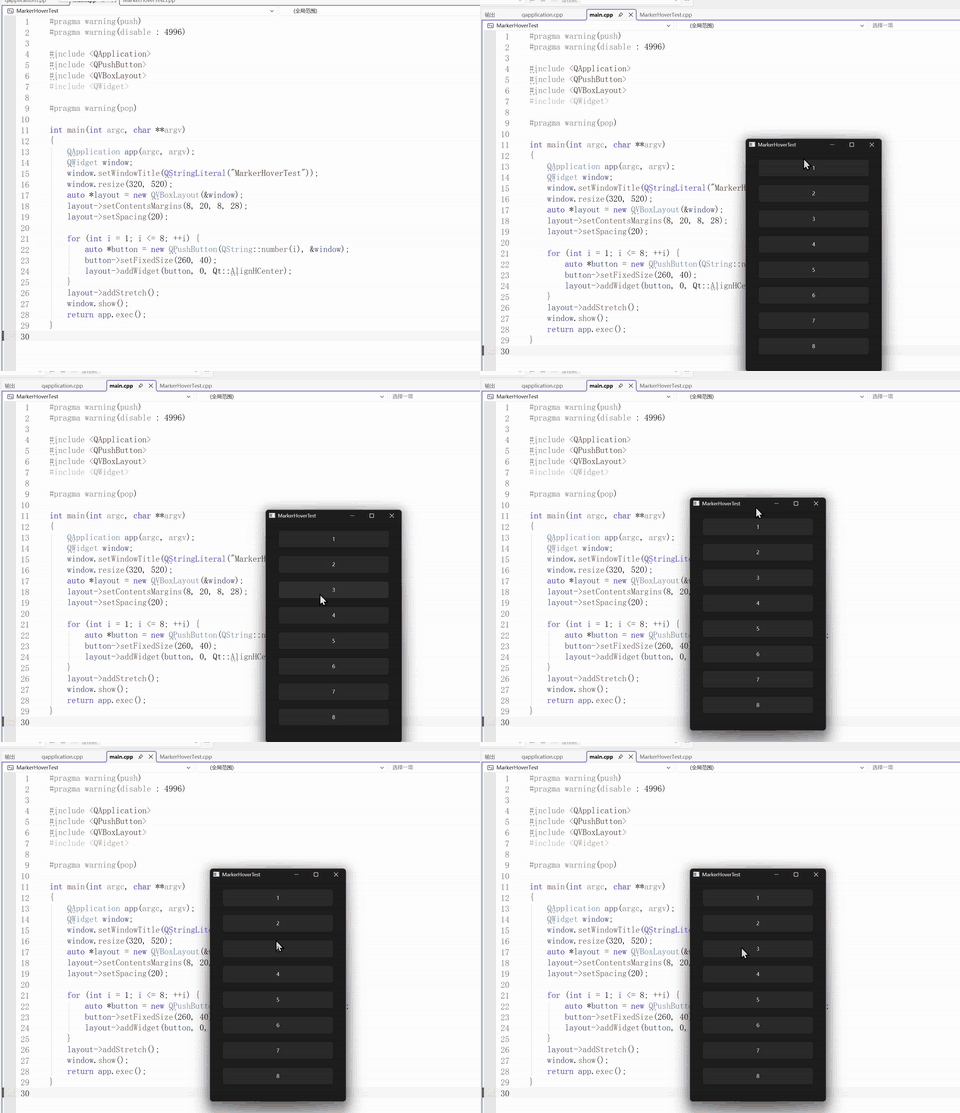
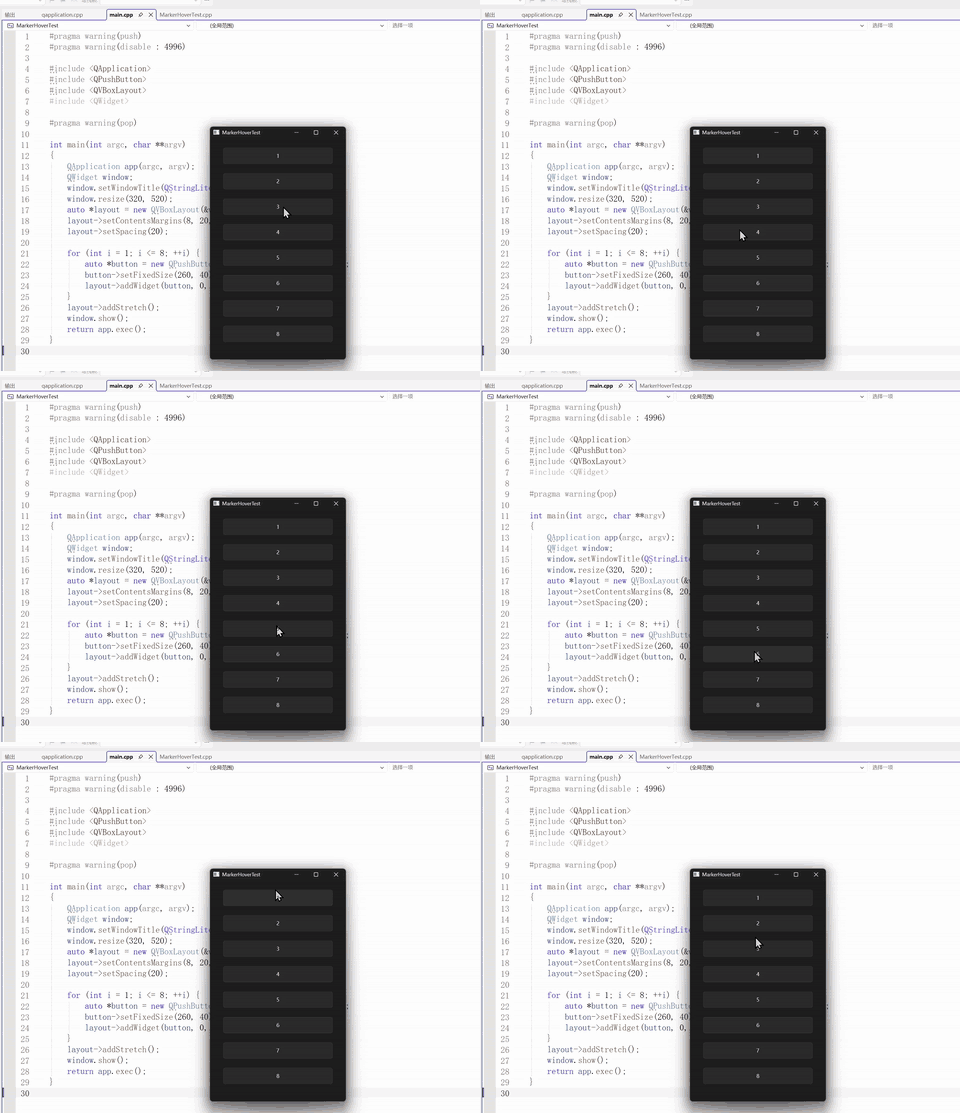
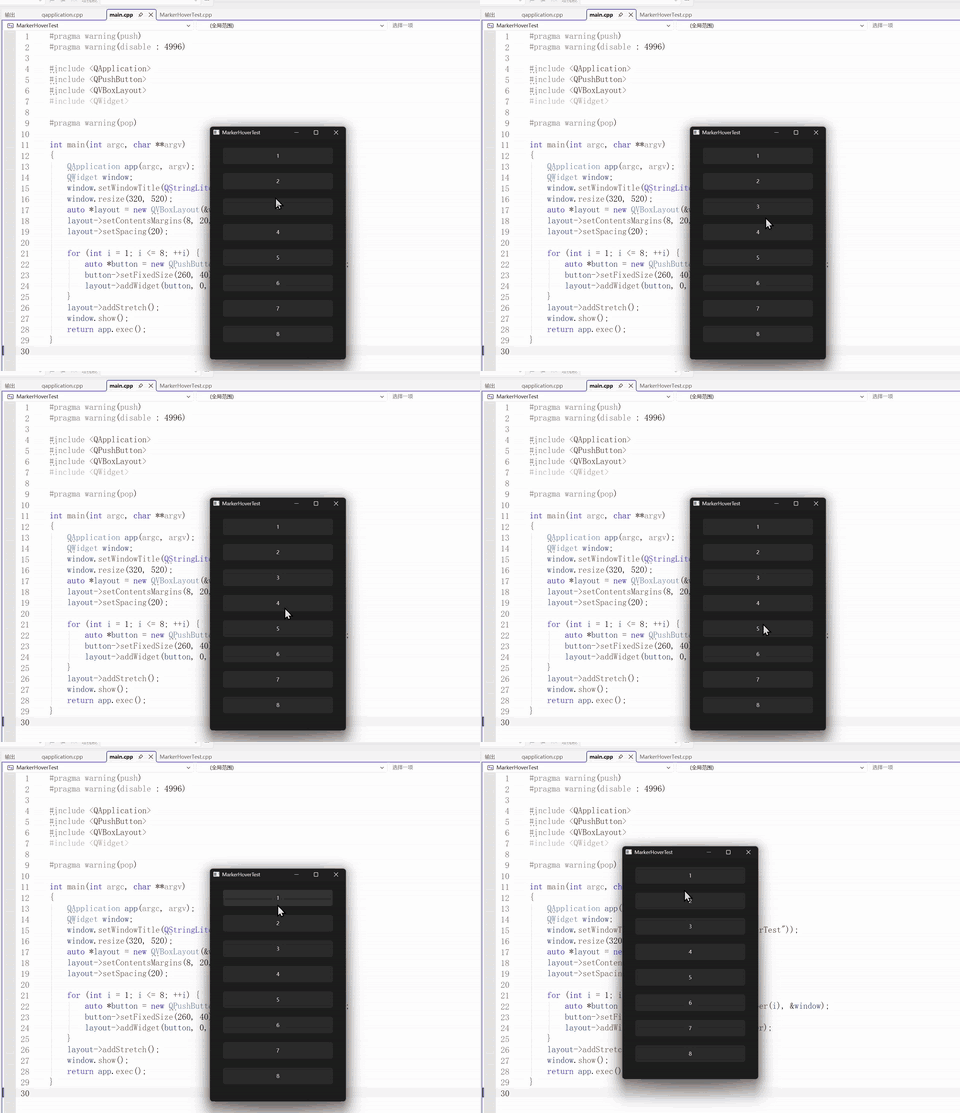
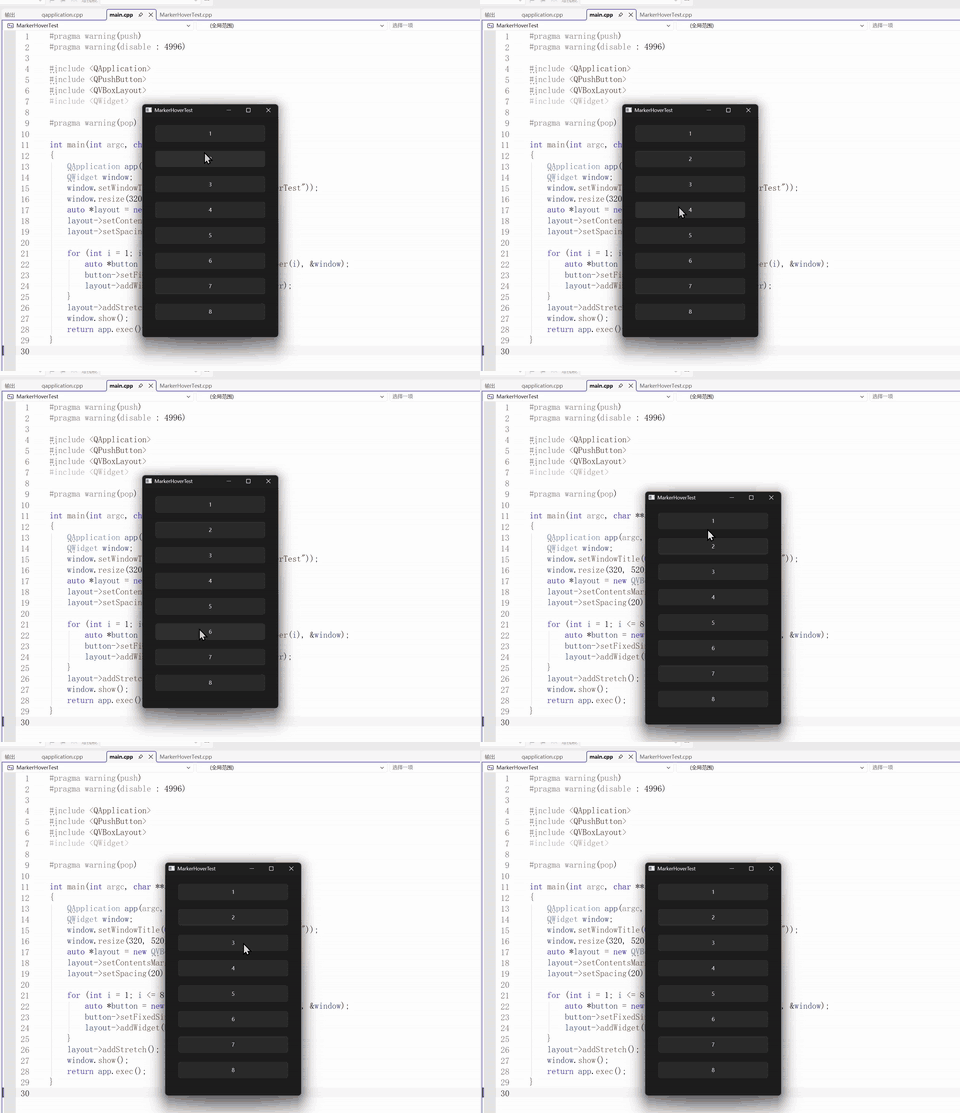
Thanks for your help! I split the recording into four GIFs and uploaded them in post #17.
Please watch button 3 in the first GIF. The first time I move the pointer over it, the button highlights. The second time, it stays unhighlighted even though the pointer is over it.
I couldn’t reproduce the issue on my 2560 × 1600 monitor either. After switching to my 3840 × 2160 monitor with Windows display scaling set to 150%, I can reproduce it fairly often.
On Windows with Qt 6.12.0 (MSVC x64), a 3840 × 2160 display, and 150% display scaling, I can reproduce the missing
QEvent::Entervery reliably by moving the test window to a different spot on the screen and then slowly moving the mouse pointer into a button from above. -
Thanks for your help! I split the recording into four GIFs and uploaded them in post #17.
Please watch button 3 in the first GIF. The first time I move the pointer over it, the button highlights. The second time, it stays unhighlighted even though the pointer is over it.
I couldn’t reproduce the issue on my 2560 × 1600 monitor either. After switching to my 3840 × 2160 monitor with Windows display scaling set to 150%, I can reproduce it fairly often.
On Windows with Qt 6.12.0 (MSVC x64), a 3840 × 2160 display, and 150% display scaling, I can reproduce the missing
QEvent::Entervery reliably by moving the test window to a different spot on the screen and then slowly moving the mouse pointer into a button from above.@DongHao said in Possible missed Enter event in Qt 6.9.3 causing QPushButton hover state to get stuck:
I couldn’t reproduce the issue on my 2560 × 1600 monitor either. After switching to my 3840 × 2160 monitor with Windows display scaling set to 150%, I can reproduce it fairly often.
I think it could be a High-DPI scaling problem then.
-
@DongHao said in Possible missed Enter event in Qt 6.9.3 causing QPushButton hover state to get stuck:
I couldn’t reproduce the issue on my 2560 × 1600 monitor either. After switching to my 3840 × 2160 monitor with Windows display scaling set to 150%, I can reproduce it fairly often.
I think it could be a High-DPI scaling problem then.
@Pl45m4
The issue is that Qt performs two bounds checks for the same mouse move, using coordinates calculated separately for each check.- childAt() finds the button under the pointer. It subtracts the button’s position in the window from the pointer’s window coordinates. The resulting Y is within the button’s bounds, so childAt() finds the button.
- sendMouseEvent() decides whether to dispatch QEvent::Enter. It uses coordinates obtained by mapping the pointer from window coordinates to global coordinates and then to button-local coordinates. In the debugger, I saw this path produce a Y of -7.82e-14. The button’s top edge is at Y = 0, so even that tiny negative value puts the pointer outside the bounds and causes Qt to skip QEvent::Enter.
The first check identifies the button as the mouse event receiver, but the second check uses recalculated coordinates and ends up skipping QEvent::Enter.
-
@Pl45m4
The issue is that Qt performs two bounds checks for the same mouse move, using coordinates calculated separately for each check.- childAt() finds the button under the pointer. It subtracts the button’s position in the window from the pointer’s window coordinates. The resulting Y is within the button’s bounds, so childAt() finds the button.
- sendMouseEvent() decides whether to dispatch QEvent::Enter. It uses coordinates obtained by mapping the pointer from window coordinates to global coordinates and then to button-local coordinates. In the debugger, I saw this path produce a Y of -7.82e-14. The button’s top edge is at Y = 0, so even that tiny negative value puts the pointer outside the bounds and causes Qt to skip QEvent::Enter.
The first check identifies the button as the mouse event receiver, but the second check uses recalculated coordinates and ends up skipping QEvent::Enter.
@DongHao said in Possible missed Enter event in Qt 6.9.3 causing QPushButton hover state to get stuck:
I saw this path produce a Y of -7.82e-14. The button’s top edge is at Y = 0, so even that tiny negative value puts the pointer outside the bounds
I know nothing about the code you are looking at, but it strikes me this might benefit from a call to
qfuzzycompare()?


