Trouble Running Project
-
 C Christian Ehrlicher moved this topic from General and Desktop on
-
Run the application in Debug mode and the debugger will show you exactly where this invalid access to QLIst happens.
-
@Qreator35 Hi,
You might want to give a bit more explanation about what is happening. The screenshots might be out of order or you are showing that you have progressed between different errors. etc.
Please add details.
-
@Qreator35 Hi,
You might want to give a bit more explanation about what is happening. The screenshots might be out of order or you are showing that you have progressed between different errors. etc.
Please add details.
@SGaist
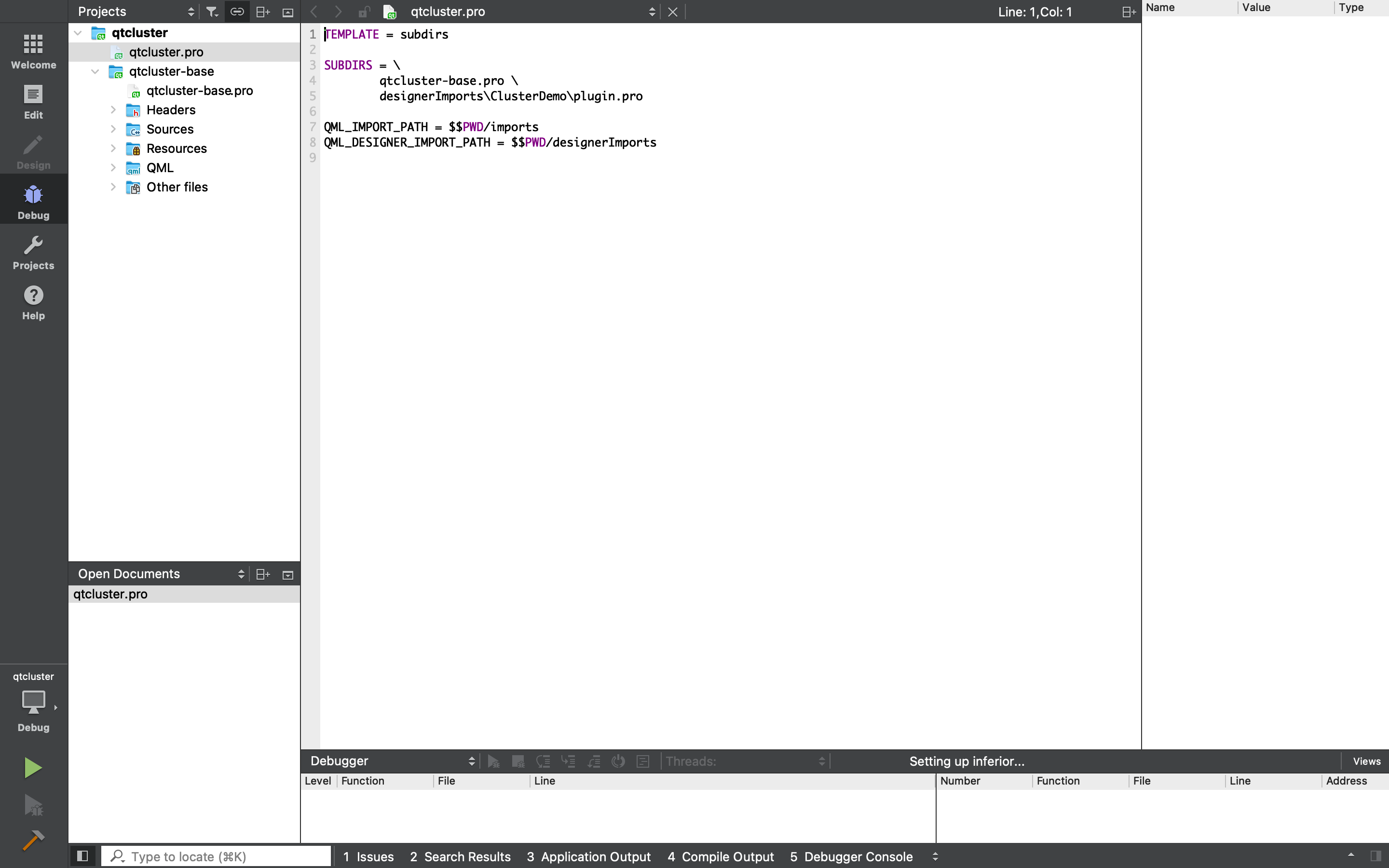
The code is a demo created by the QT company found here: https://code.qt.io/cgit/qt/qtdoc.git/tree/doc/src/snippets/qtcluster?h=5.10There are two project files qtcluster.pro & qtcluster-base.pro. Should I be using a specific file?
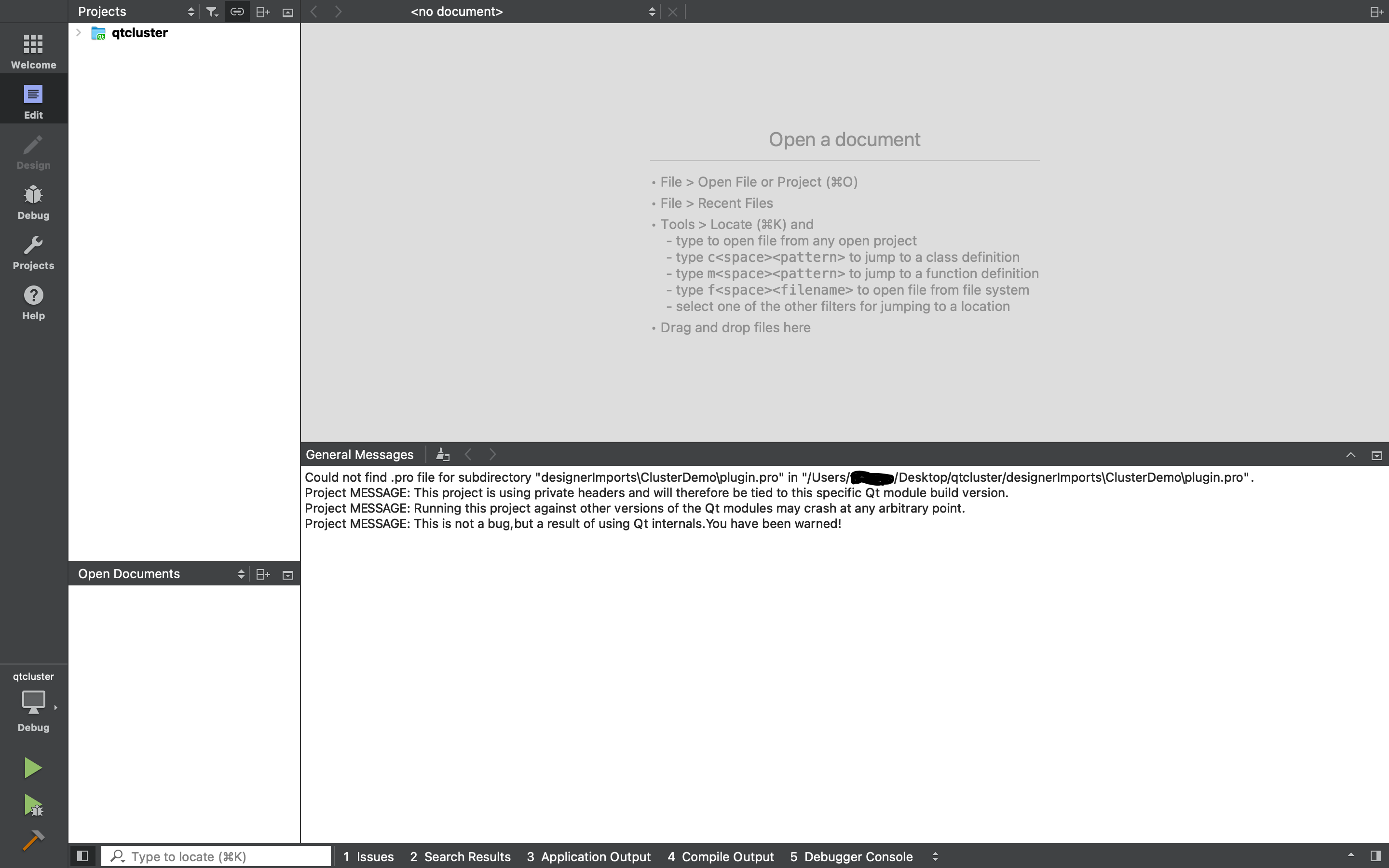
Also when opening the project I get a message:
No user settings file created by this instance of Ot Creator was found.
Did you work with this project on another machine or using a different settings path before?
Do you still want to load the settings file "E:\qt-instrument-cluster-master\qtcluster.pro.user"?The error I am getting while running is:
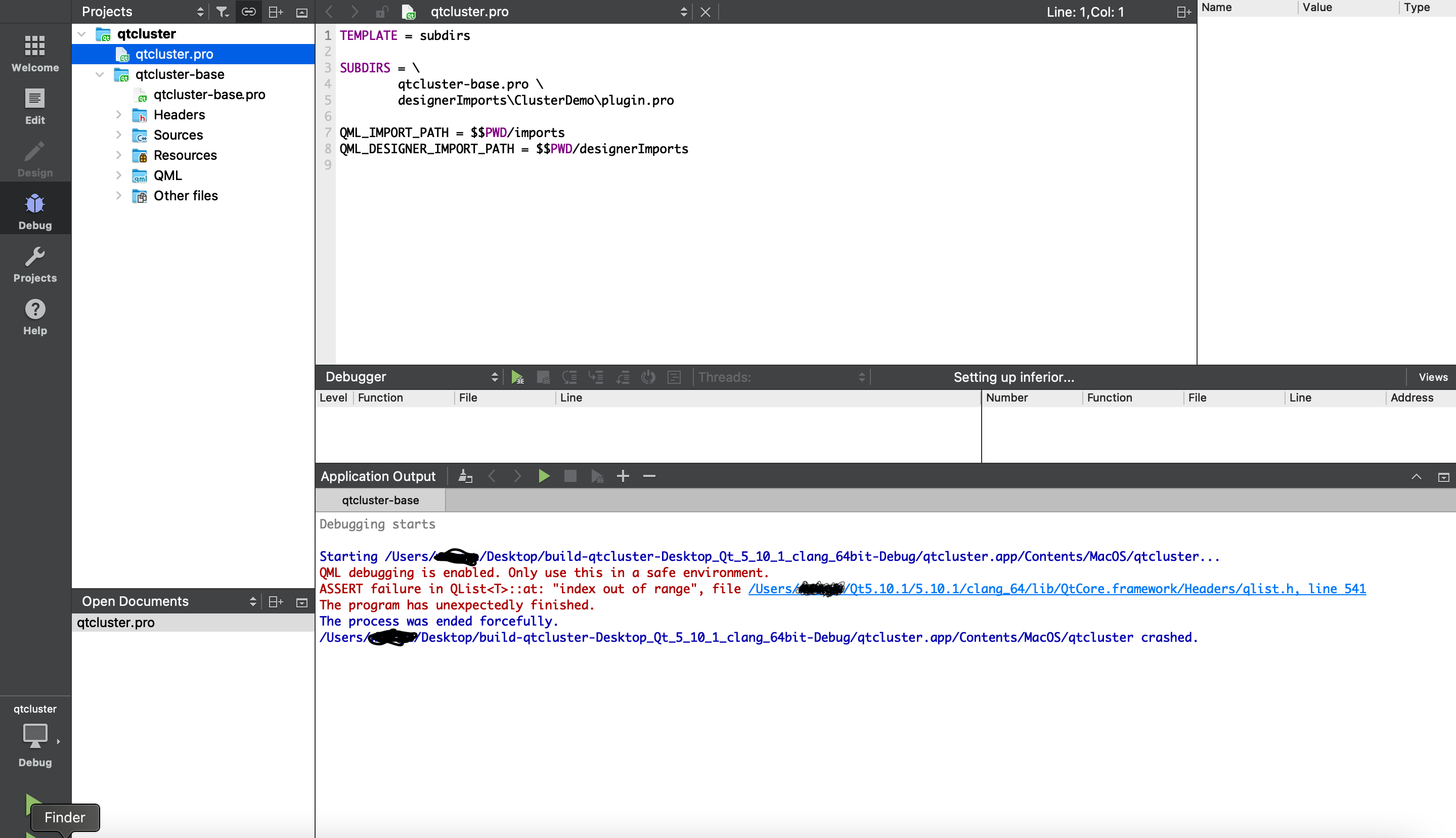
ASSERT failure in QList<T>:at: "index out of range", file C:/Qt/Qt5.10.1/5.10.1/mingw53_32/include/QtCore/
qlist.h, line 541 -
@SGaist
The code is a demo created by the QT company found here: https://code.qt.io/cgit/qt/qtdoc.git/tree/doc/src/snippets/qtcluster?h=5.10There are two project files qtcluster.pro & qtcluster-base.pro. Should I be using a specific file?
Also when opening the project I get a message:
No user settings file created by this instance of Ot Creator was found.
Did you work with this project on another machine or using a different settings path before?
Do you still want to load the settings file "E:\qt-instrument-cluster-master\qtcluster.pro.user"?The error I am getting while running is:
ASSERT failure in QList<T>:at: "index out of range", file C:/Qt/Qt5.10.1/5.10.1/mingw53_32/include/QtCore/
qlist.h, line 541@Qreator35 said in Trouble Running Project:
The code is a demo created by the QT company found here: https://code.qt.io/cgit/qt/qtdoc.git/tree/doc/src/snippets/qtcluster?h=5.10
Two things to note:
- That demo was considered unpolished, so it was deleted many years ago: https://github.com/qt/qtdoc/commit/8a0244d3f46c1eb9904d9da7e741bb2e05ca3f3d
- Qt 5.10 reached end-of-life in 2018 (8 years ago)
Please use a currently-supported version of Qt (the latest release is Qt 6.11.3) and load a different demo.
If you give us some details about what kind of functionality do you want to see and what operating system(s) you want to develop for, perhaps we can help you to find a suitable, more up-to-date demo.
Qt Doc Search for browsers: forum.qt.io/topic/35616/web-browser-extension-for-improved-doc-searches
-
@Qreator35 said in Trouble Running Project:
The code is a demo created by the QT company found here: https://code.qt.io/cgit/qt/qtdoc.git/tree/doc/src/snippets/qtcluster?h=5.10
Two things to note:
- That demo was considered unpolished, so it was deleted many years ago: https://github.com/qt/qtdoc/commit/8a0244d3f46c1eb9904d9da7e741bb2e05ca3f3d
- Qt 5.10 reached end-of-life in 2018 (8 years ago)
Please use a currently-supported version of Qt (the latest release is Qt 6.11.3) and load a different demo.
If you give us some details about what kind of functionality do you want to see and what operating system(s) you want to develop for, perhaps we can help you to find a suitable, more up-to-date demo.
@JKSH said in Trouble Running Project:
Please use a currently-supported version of Qt (the latest release is Qt 6.11.3) and load a different demo.
If you give us some details about what kind of functionality do you want to see and what operating system(s) you want to develop for, perhaps we can help you to find a suitable, more up-to-date demo.
If you're after an instrument cluster demo, the most recent one I could find for desktop/embedded platforms is https://git.qt.io/public-demos/qtquick3d/-/tree/master/XaxisCluster -- this can run on Qt 5.15, but not on Qt 6.
Note: Nowadays, manufacturers are using automotive-specific operating systems and MCUs for creating automotive software (including instrument clusters). So you'd want to look at Qt for Android Automotive, Qt for MCUs (Qt Quick Ultralite), and Qt Safe Renderer. These are commercial-only products, however.