
Problem in setting up android with qt 6.11
-
Hi everyone,
I am struggling to configure the Android development environment in Qt 6.11 using Qt Creator. The settings panel is showing a mix of green checkmarks and red X marks, and I cannot seem to bypass it.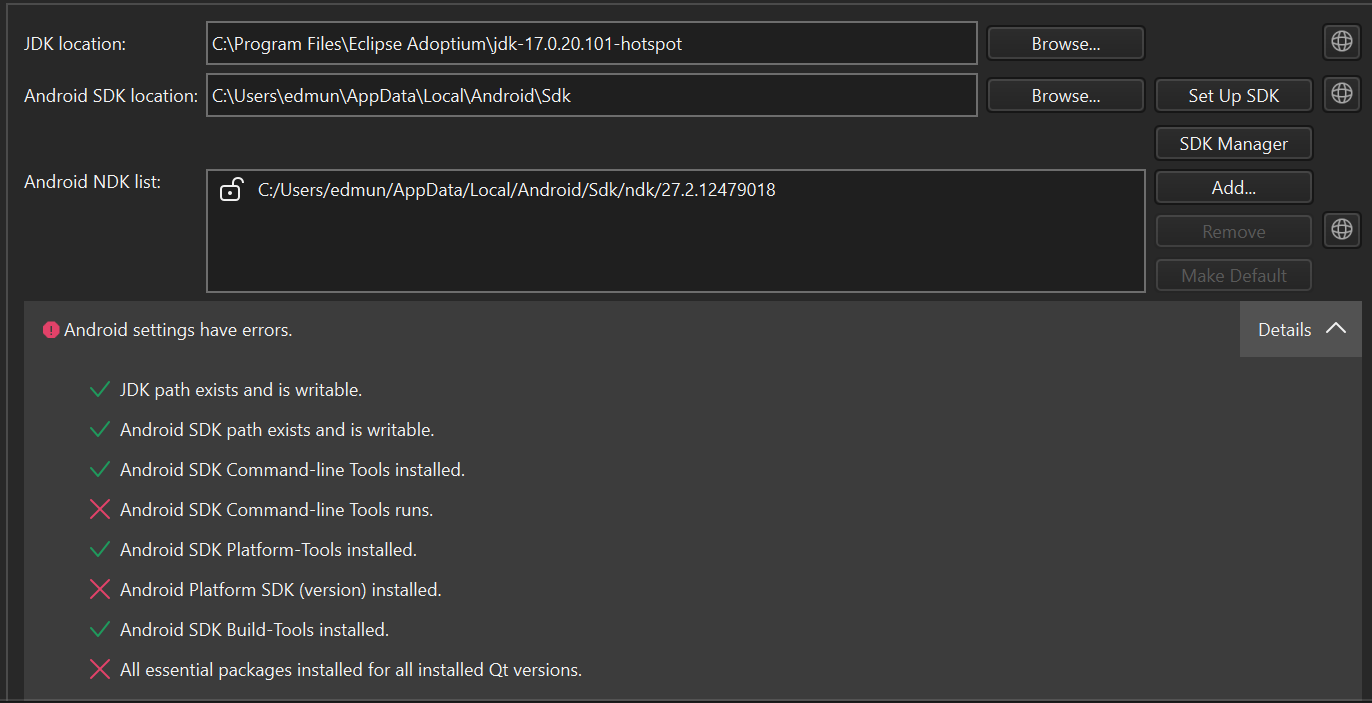
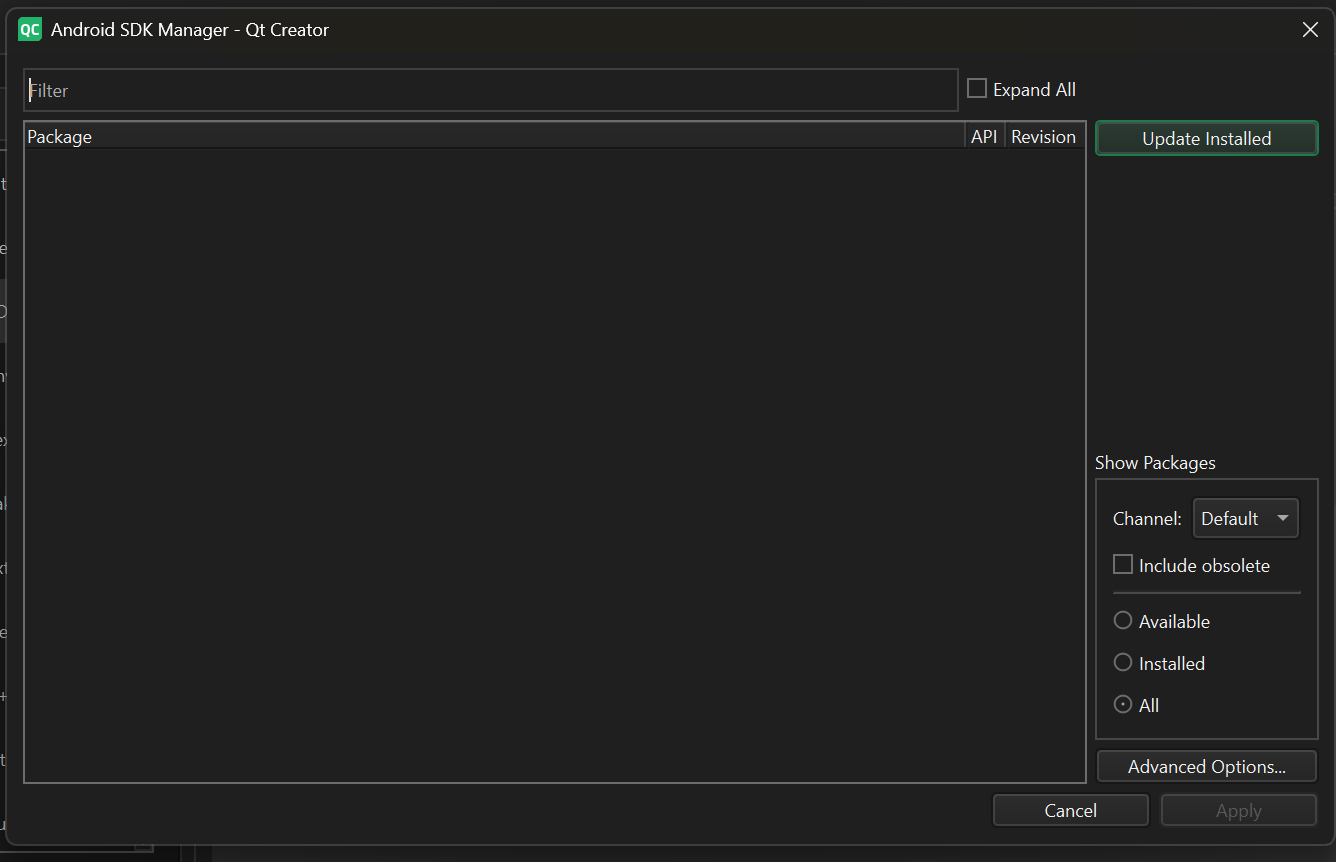
Also, SDK manager shows nothing
Despite the tool working flawless natively, Qt Creator refuses to recognize that it runs, which in turn blocks it from detecting the Platform SDK or downloading essential packages. I have already tried resetting the SDK path fields inside the UI to clear the cache, but the error persists.
Has anyone encountered this specific parser or execution block in Qt Creator?Any guidance would be greatly appreciated!
-
Solved! for anyone else who hits this:
Root cause: Google's latest Command-line Tools replaced sdkmanager with a new "Android CLI" wrapper. Running sdkmanager --version now prints a deprecation warning and a version like 1.0.16261425 (Android CLI) instead of the old-style number. Qt Creator can't parse that new format, so it reports "Command-line Tools runs" as failed — which also blocks Platform SDK detection and package installation.
Fix: downgrade to an older build.
Delete <SDK>/cmdline-tools/latest
Download: https://dl.google.com/android/repository/commandlinetools-win-11076708_latest.zip
Extract, rename the cmdline-tools folder to latest, place at <SDK>/cmdline-tools/latest
Confirm sdkmanager.bat --version shows a plain number (not "Android CLI")
Re-open Qt Creator's Android settings and hit Update - all checks pass -
Hi and welcome to devnet,
Sounds like you have encountered the same situation as described in QTCREATORBUG-34905 which is fixed for 20.0.2. If you want you can use the snapshot.
@ekkescorner confirmed it works.
