Qt scaffold project SIGSEGV debugging it
-
Hi all,
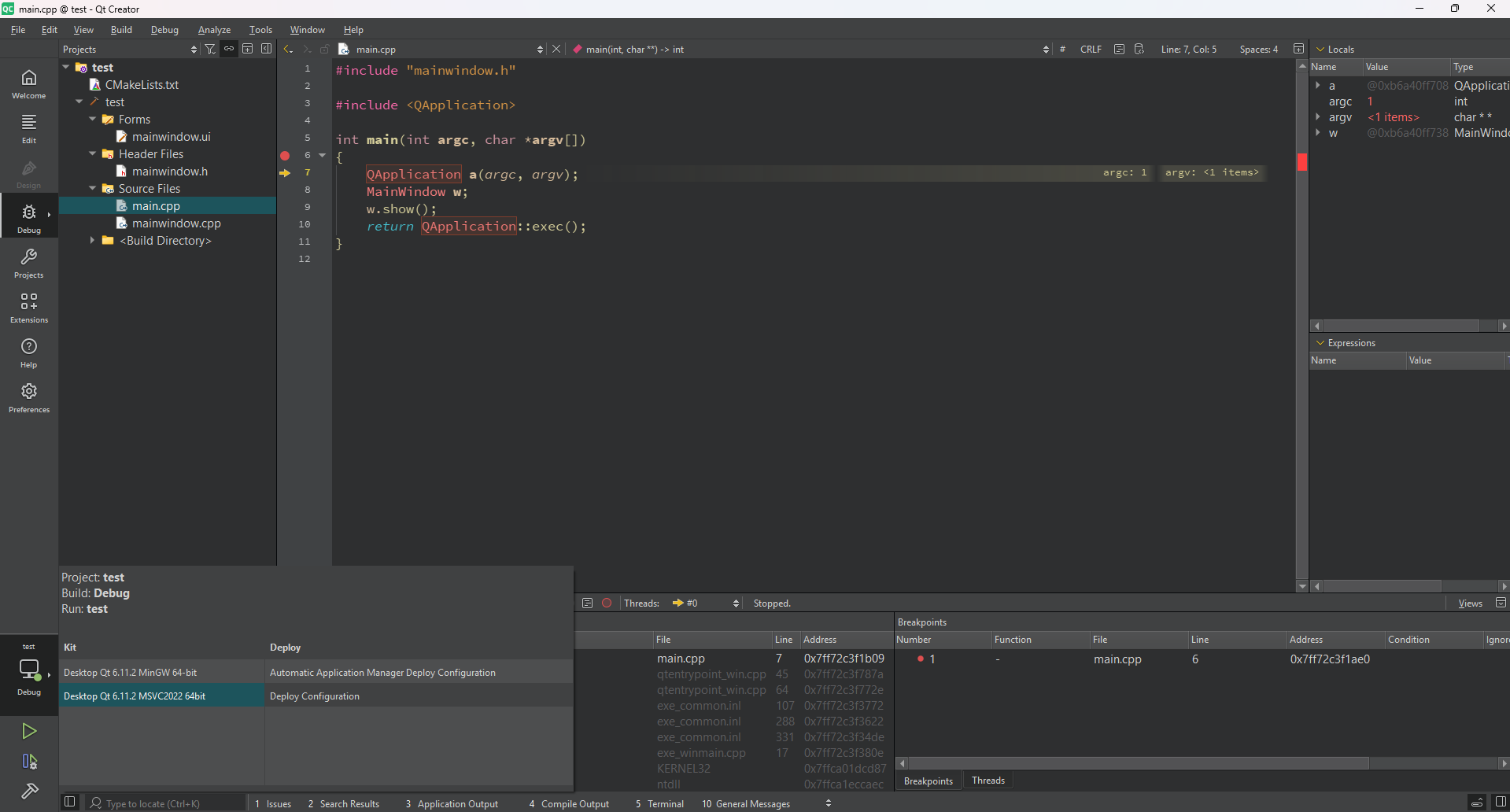
I'm using a Qt Creator 20.0.1, with Qt 6.11.2 MinGW 64-bit on Windows 11. Creating a new project following these steps: New Project -> Application (Qt) - > Qt Widgets Application -> Name: test -> Build system: CMake -> Details (no edit) -> Translation file (no edit) -> Kits (no edit) -> Summary: Finish.
It creates a project that runs smoothly, but debugging causes a SIGSEGV. I didn't add any line of code on purpose, to make it reproducible:
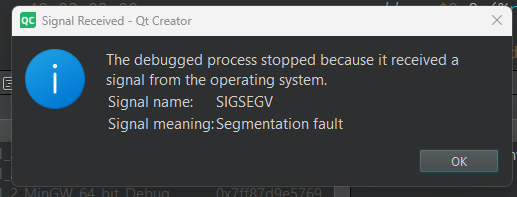
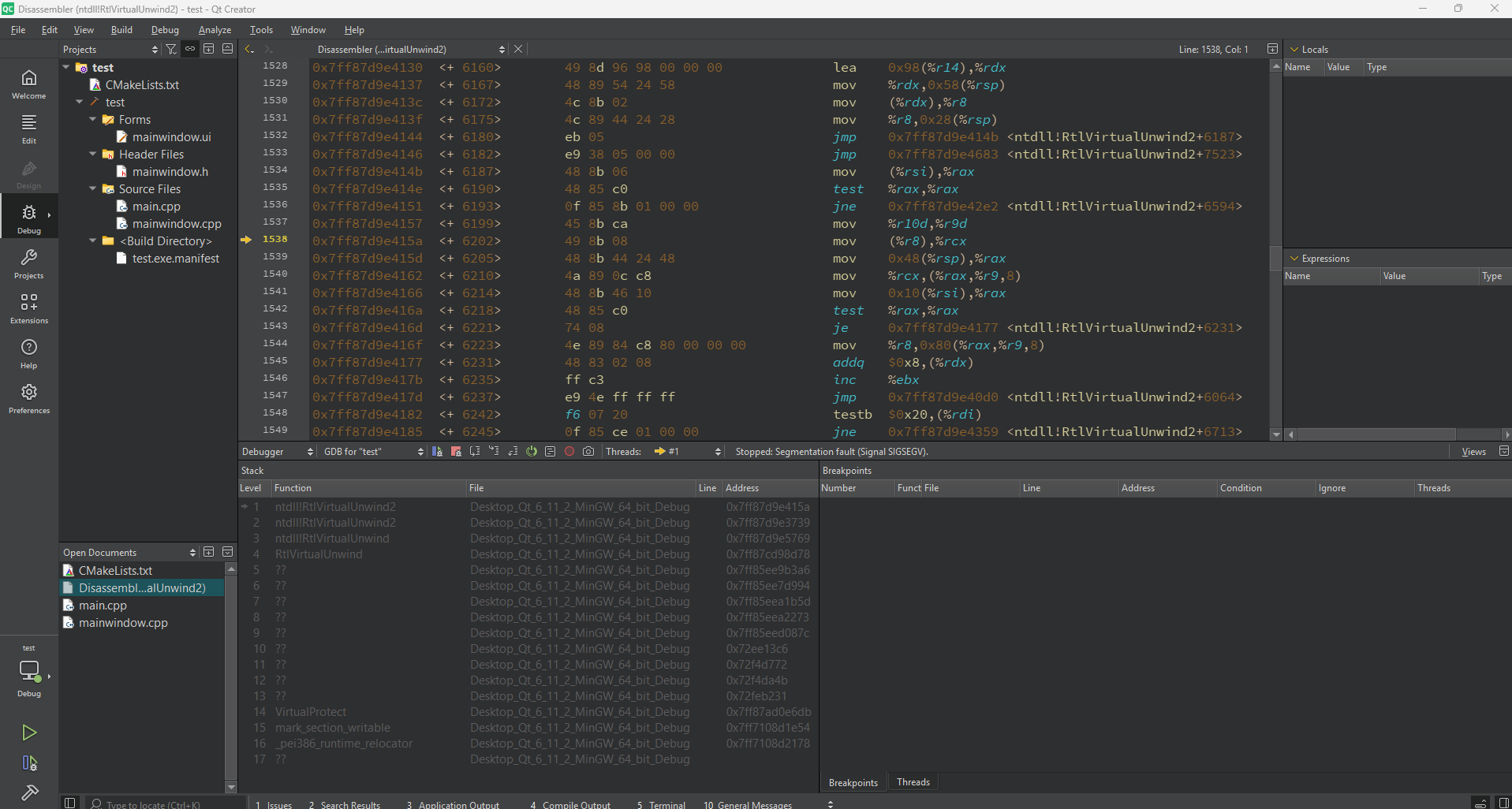
Does this happens to someone else? and how can it be fixed?
Thanks in advance for your time -
Can you add some debugging at the beginning of
int main(int argc, char *argv[]), just to make sure your executable is actually being reached?
To me it looks like a MinGW startup crash, i.e. a broken MinGW installation.
You could try MSVC as an alternative.