Skip to content
  • Categories
  • Recent
  • Tags
  • Popular
  • Users
  • Groups
  • Search
  • Get Qt Extensions
  • Unsolved
Collapse
Brand Logo
  1. Home
  2. Qt Development
  3. Qt Creator and other tools
  4. Creator / cmake: Header file of promoted widgets not found
Qt 6.11 is out! See what's new in the release blog

Creator / cmake: Header file of promoted widgets not found

Scheduled Pinned Locked Moved Solved Qt Creator and other tools
3 Posts 2 Posters 159 Views
  • Oldest to Newest
  • Newest to Oldest
  • Most Votes
Reply
  • Reply as topic
Log in to reply
This topic has been deleted. Only users with topic management privileges can see it.
  • F Offline
    F Offline
    FX David
    wrote last edited by
    #1

    I am creating a cmake project in QtCreator 20.0.0 and while I usually work with MSVC, I am now trying to compile the project using another kit. However, doing so triggers an error where the header files of my promoted widgets cannot be found, like this one:

    In file included from C:\Users\...\source\repos\wasmwidgets\mainwindow.cpp:2:
    C:/Users/.../source/repos/wasmwidgets/build/Desktop_Qt_6_11_1_MinGW_64_bit_Debug/wasmwidgets_autogen/include/ui_mainwindow.h:18:10: fatal error: label.h: No such file or directory
       18 | #include <label.h>
          |          ^~~~~~~~~
    

    To make sure I was not messing up something, I started with a fresh Widgets project:

    • Create a new Qt Widgets project, with CMake.
    • Open the automatically-created MainWindow.ui and add a QLabel in it.
    • Compile the project and run.
      This should be successful with all kits.
    • Create a subclass of QLabel(Let's call it Label); it does not need to override any method from QLabel.
      Promote the label created in step 2. to that new class. It seems not to matter whether or not you tick "Global Include".
    • Recompile the project.
      It now is successful only with MSVC, but it fails with e.g. MinGW and Emscripten.

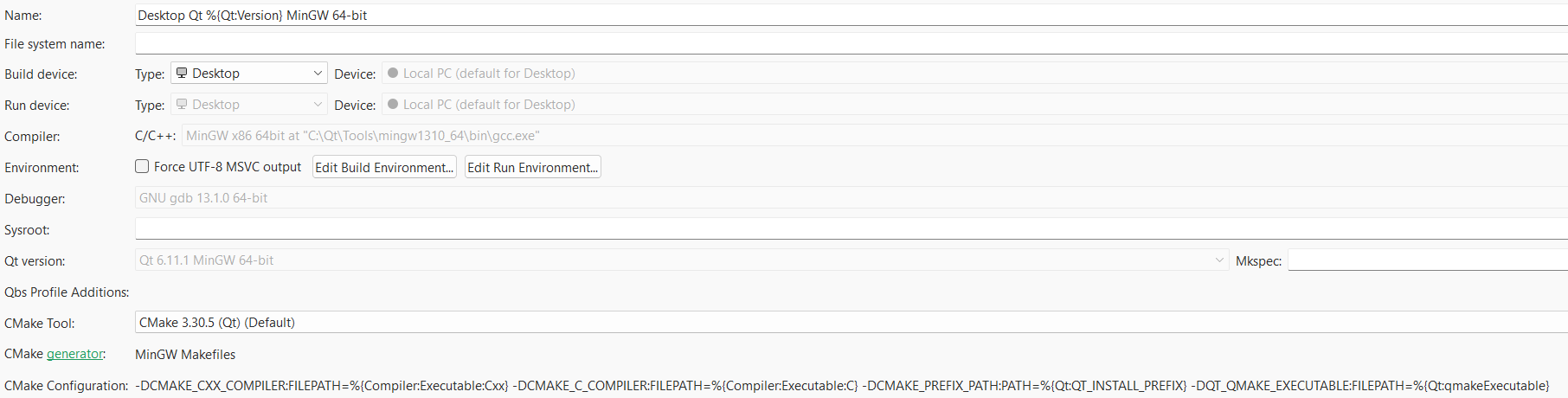
    I do not see a meaningful difference between e.g. the below 2 configurations.
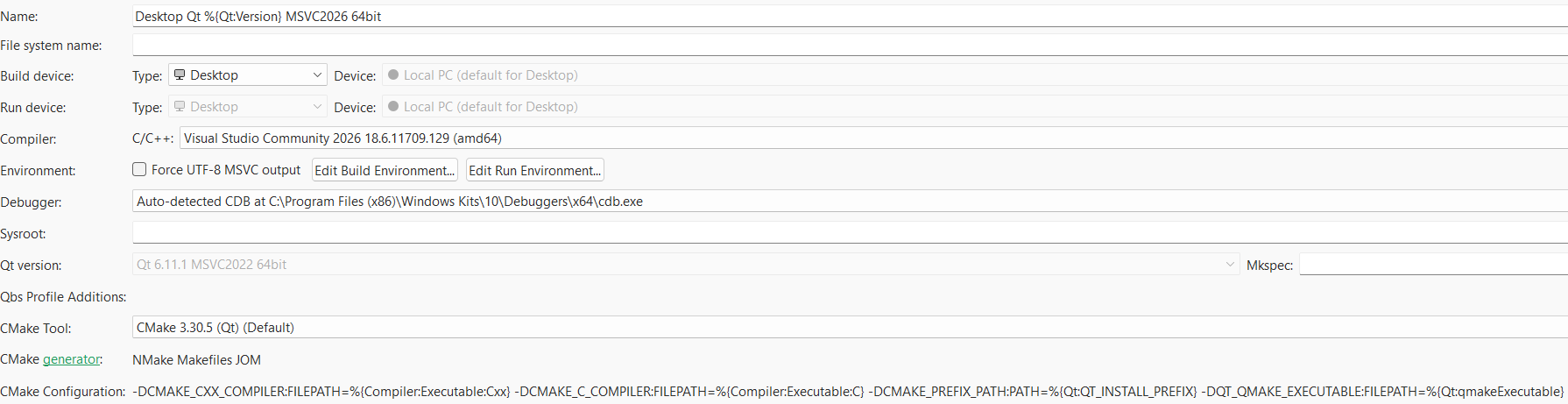
    08dfebfa-73d0-4f14-a379-e149b5c6937b-image.png

    8d2f0b69-4a7d-4208-875b-df05313d2688-image.png

    Would you know what is wrong here?

    1 Reply Last reply
    0
    • Christian EhrlicherC Online
      Christian EhrlicherC Online
      Christian Ehrlicher
      Lifetime Qt Champion
      wrote last edited by
      #2

      You forgot to add the directory where label.h is in to your include directories for your compiler.

      Qt Online Installer direct download: https://download.qt.io/official_releases/online_installers/
      Visit the Qt Academy at https://academy.qt.io/catalog

      1 Reply Last reply
      1
      • F Offline
        F Offline
        FX David
        wrote last edited by
        #3

        I never thought I'd have to add the current folder (.). That solved my issue indeed.

        1 Reply Last reply
        0
        • F FX David has marked this topic as solved

        • Login

        • Login or register to search.
        • First post
          Last post
        0
        • Categories
        • Recent
        • Tags
        • Popular
        • Users
        • Groups
        • Search
        • Get Qt Extensions
        • Unsolved