Skip to content
  • Categories
  • Recent
  • Tags
  • Popular
  • Users
  • Groups
  • Search
  • Get Qt Extensions
  • Unsolved
Collapse
Brand Logo
  1. Home
  2. Qt Development
  3. Mobile and Embedded
  4. Determine size of the Top and Bottom bars on iOS and Android with QML. How?
Qt 6.11 is out! See what's new in the release blog

Determine size of the Top and Bottom bars on iOS and Android with QML. How?

Scheduled Pinned Locked Moved Solved Mobile and Embedded
2 Posts 1 Posters 173 Views
  • Oldest to Newest
  • Newest to Oldest
  • Most Votes
Reply
  • Reply as topic
Log in to reply
This topic has been deleted. Only users with topic management privileges can see it.
  • B Offline
    B Offline
    bogong
    wrote last edited by
    #1

    Hello all!

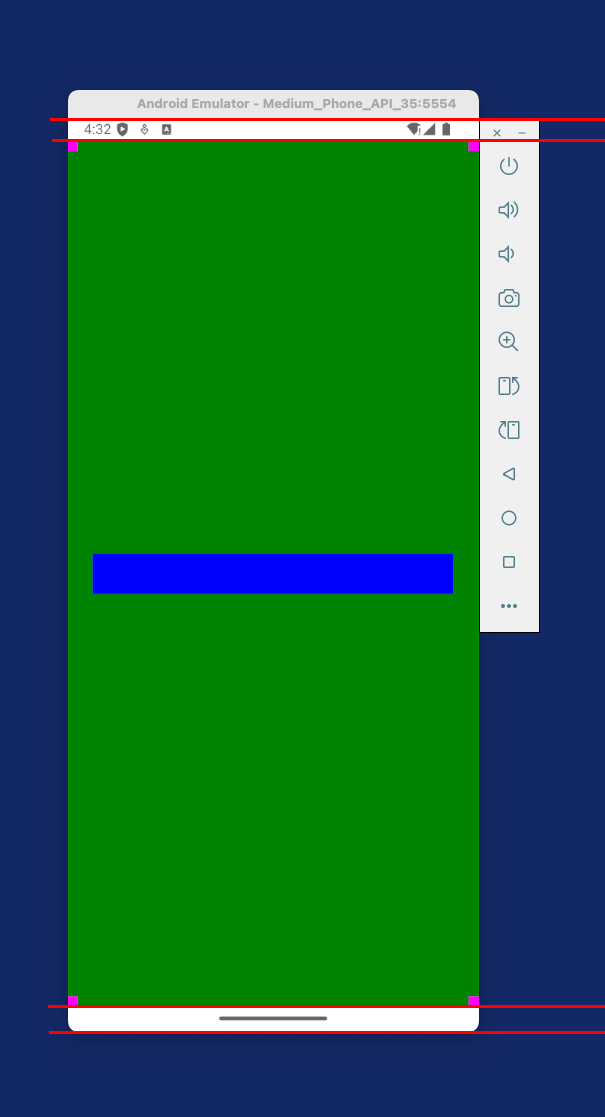
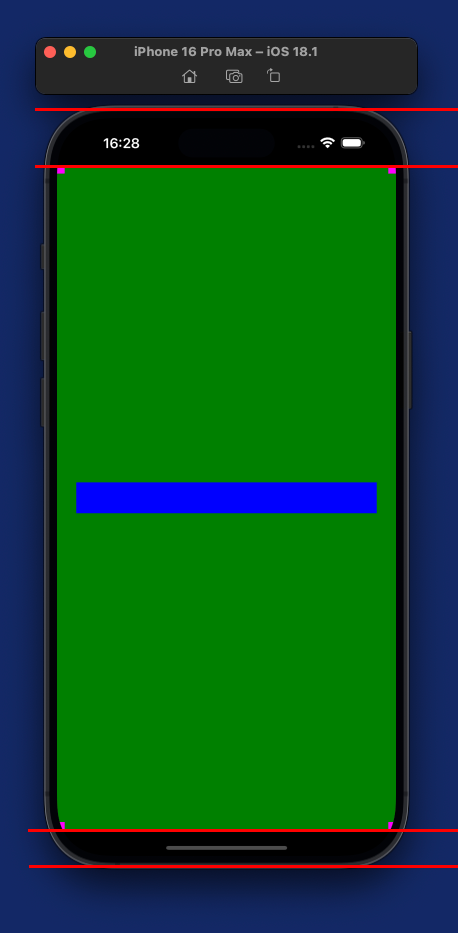
    How to determine Top and Bottom bars on iOS and Android devices with QML without using native implementations? Need to calculate content resize parameters for keyboard appearing.

    Screenshot 2026-05-29 at 16.28.56.png
    Screenshot 2026-05-29 at 16.32.09.png

    Is there any universal solution for it in QML?

    1 Reply Last reply
    0
    • B Offline
      B Offline
      bogong
      wrote last edited by bogong
      #2

      Solution found. Since Qt 6.9 might be used SafeArea with Window QML component. Code samples published here. No need to use native code implementation for handling safe area on iOS or Android devices.

      1 Reply Last reply
      0
      • B bogong has marked this topic as solved

      • Login

      • Login or register to search.
      • First post
        Last post
      0
      • Categories
      • Recent
      • Tags
      • Popular
      • Users
      • Groups
      • Search
      • Get Qt Extensions
      • Unsolved