
Android SafeArea issue with drawer
-
Hello,
I am quite new to Qt.
I know this is quite unorthodox use case, but I wanted to use Drawer as a "toolbox" for my app. I wanted it to slide up from the bottom edge and show additional buttons in my app.
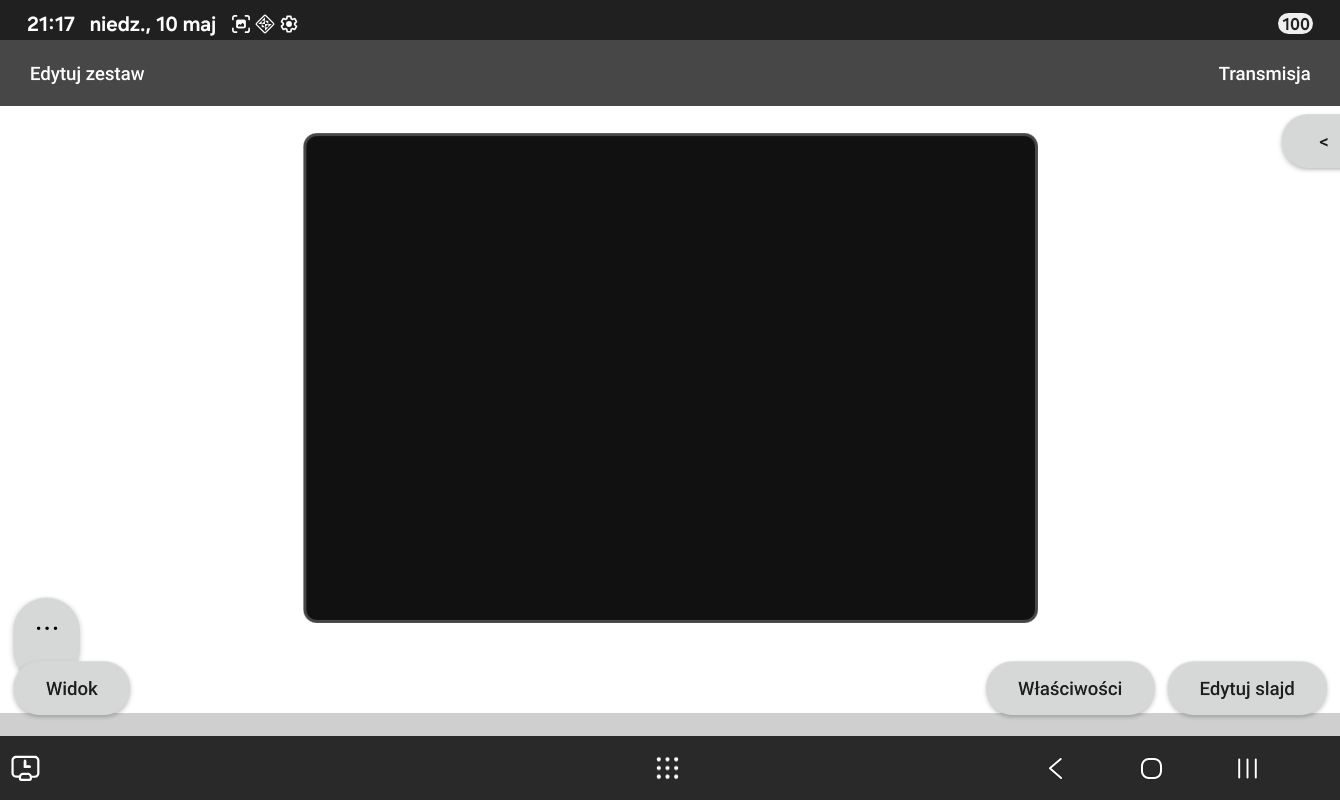
However, right now, even if buttons are behaving correctly, and are appearing above the Android's navigation bar, the drawer background is rendering under it.Is this some kind of a bug or am I doing something wrong?
I am using Qt 6.11 on Android 16 (Samsung Galaxy Tab A11)Drawer{ id: screenViewButtonsDrawer edge: Qt.BottomEdge width: parent.width height: 65 modal: false interactive: true closePolicy: Popup.NoAutoClose background: Rectangle{ color: "#cfcfcf" } Button{ id: buttonChangeView anchors { left: parent.left bottom: parent.bottom margins: 10 } text: "Widok" } Button{ id: buttonSetItemProperties anchors { right: buttonScreenEdit.left bottom: parent.bottom margins: 10 } text: "Właściwości" } Button{ id: buttonScreenEdit anchors { right: parent.right bottom: parent.bottom margins: 10 } text: "Edytuj slajd" } }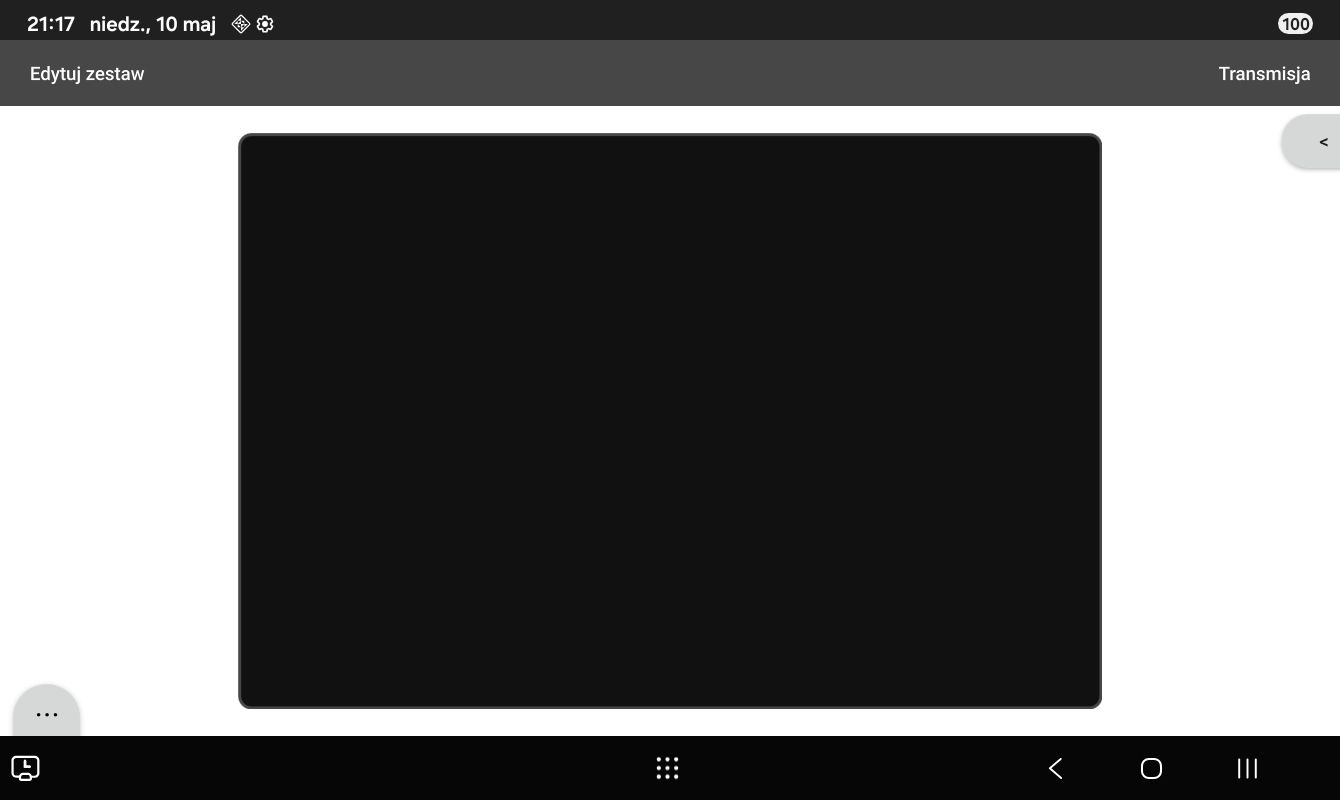
-
you should use an ApplicationWindow:
ApplicationWindow {
    width: 640
    height: 480
    visible: true
    title: qsTr("Hello World")
    flags: Qt.Window | Qt.ExpandedClientAreaHint | Qt.NoTitleBarBackgroundHint
and play around with code like this:
        background: Rectangle{
            color: "red" // "#cfcfcf"
            anchors.bottom: parent.bottom
            height: parent.height + SafeArea.margins.bottom
        }
--
        background: Rectangle{
            color: "red" // "#cfcfcf"
            anchors.bottom: parent.bottom
            height: parent.height + SafeArea.margins.bottom
            anchors.bottomMargin: SafeArea.margins.bottom
        }
Learn more about edge-to-edge windows and Qt SafeAreas from here or take a look at my test application.
-
Thank you!
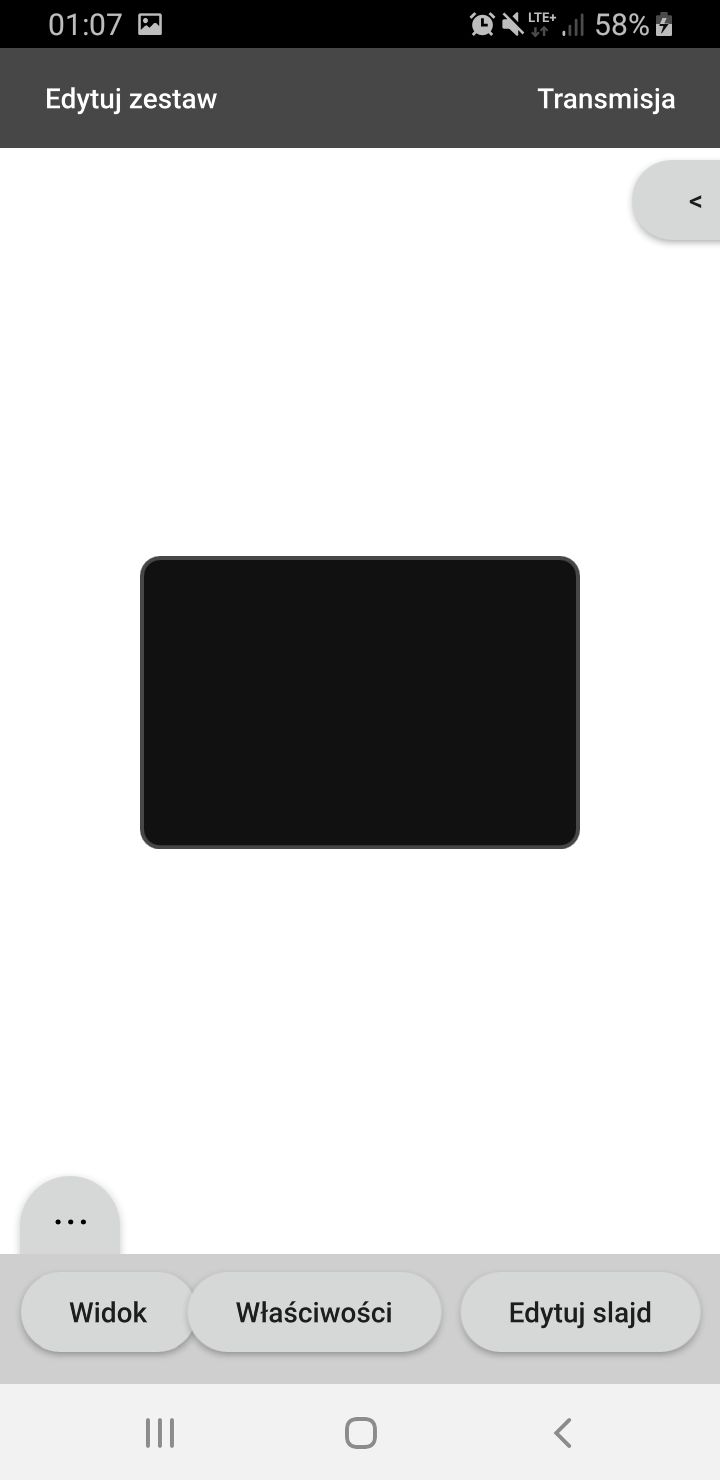
Your application helped me to understand the issue.I experimented with your app, and I think that right now, it is impossible to create Drawer sliding from the bottom on Android 16: if I set drawer property
edge: Qt.BottomEdgeQt expects me to make sliding gesture from the bottom of the screen which is obstructed by the navigation bar in my case. Also the background represents exactly what Qt is doing - that's why it's broken. I think I can manage to fix the background by doing some
y: parent.height - height - AppState.safeAreaBottometc. but I can never fix that I am not able to open the drawer by myself (without using buttons) anyway. Interestingly, drawer content is aware of the SafeAreas and it avoids displaying under the navigation bar by default.
Although, it is interesting that Qt does not behave the same way in older Android versions. In Android 9, Drawer works as expected. I think it is due to latest Android's enforcing of edge-to-edge.
I won't mark this topic as solved, for now. Maybe I am still missing something?
-
Thank you!
Your application helped me to understand the issue.I experimented with your app, and I think that right now, it is impossible to create Drawer sliding from the bottom on Android 16: if I set drawer property
edge: Qt.BottomEdgeQt expects me to make sliding gesture from the bottom of the screen which is obstructed by the navigation bar in my case. Also the background represents exactly what Qt is doing - that's why it's broken. I think I can manage to fix the background by doing some
y: parent.height - height - AppState.safeAreaBottometc. but I can never fix that I am not able to open the drawer by myself (without using buttons) anyway. Interestingly, drawer content is aware of the SafeAreas and it avoids displaying under the navigation bar by default.
Although, it is interesting that Qt does not behave the same way in older Android versions. In Android 9, Drawer works as expected. I think it is due to latest Android's enforcing of edge-to-edge.
I won't mark this topic as solved, for now. Maybe I am still missing something?
@jfurtak good to hear that my app was helpful.
...yep, life isn't easier now with edge-to-edge windows ;-)BTW: did a short test on iOS, where you always (in Landscape and Portrait) have a navigation line at bottom. There it's also not possible, to swipe from bottom to open the Drawer.
if it's important for you to open Drawer from bottom by swiping you should create an Issue at Qt Bugreports with all your screenshots and code. Feel free to mention me there. Would be better to continue discussing there.
