
Qt Quick2
-
I am currently learning how to use the QML language to create Android applications.In the official teaching documents of Qt, there is a step for adding background images to the interface. It seems not complicated, but when the program runs on the Android emulator, no images or other contents are displayed.
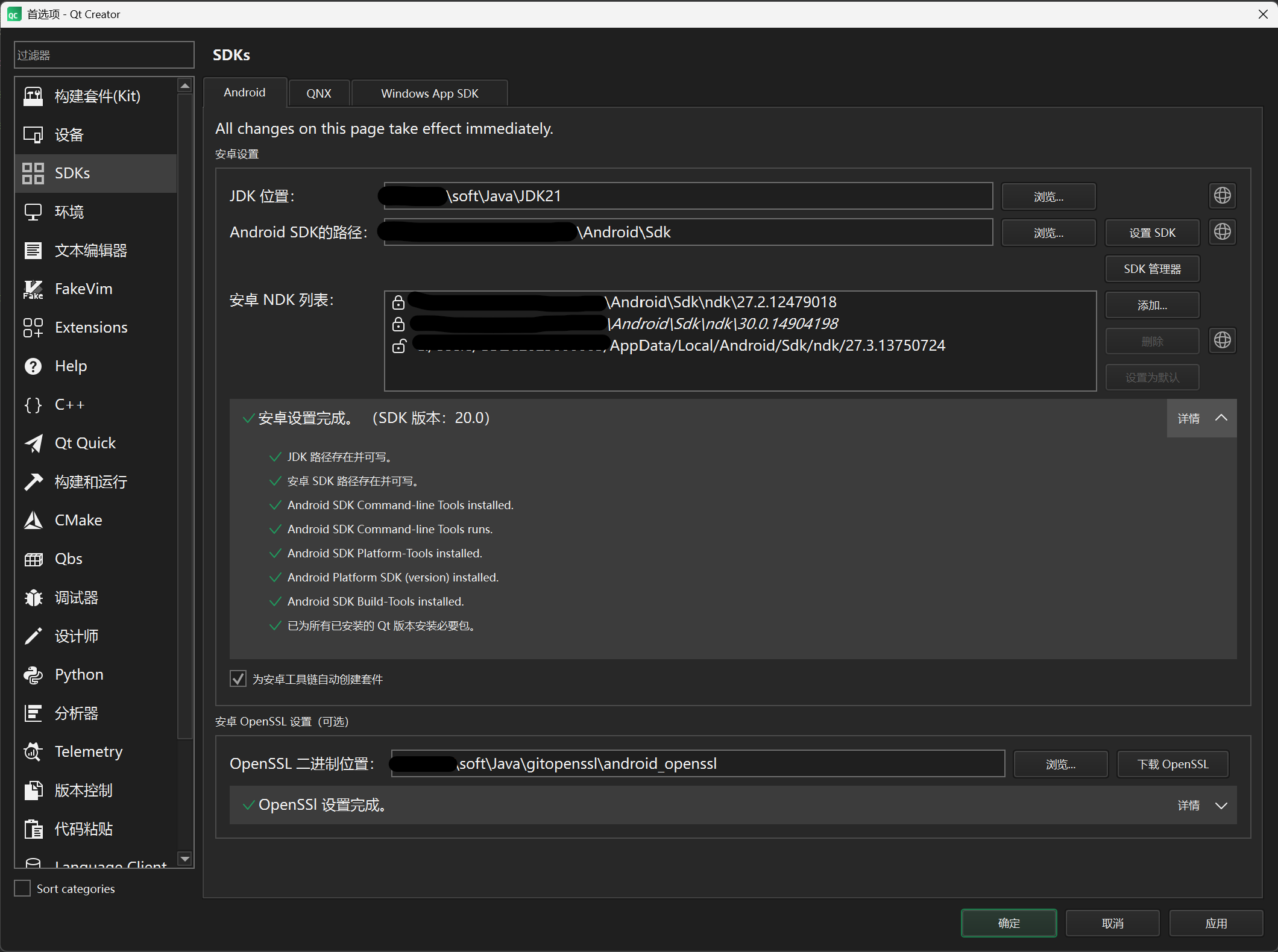
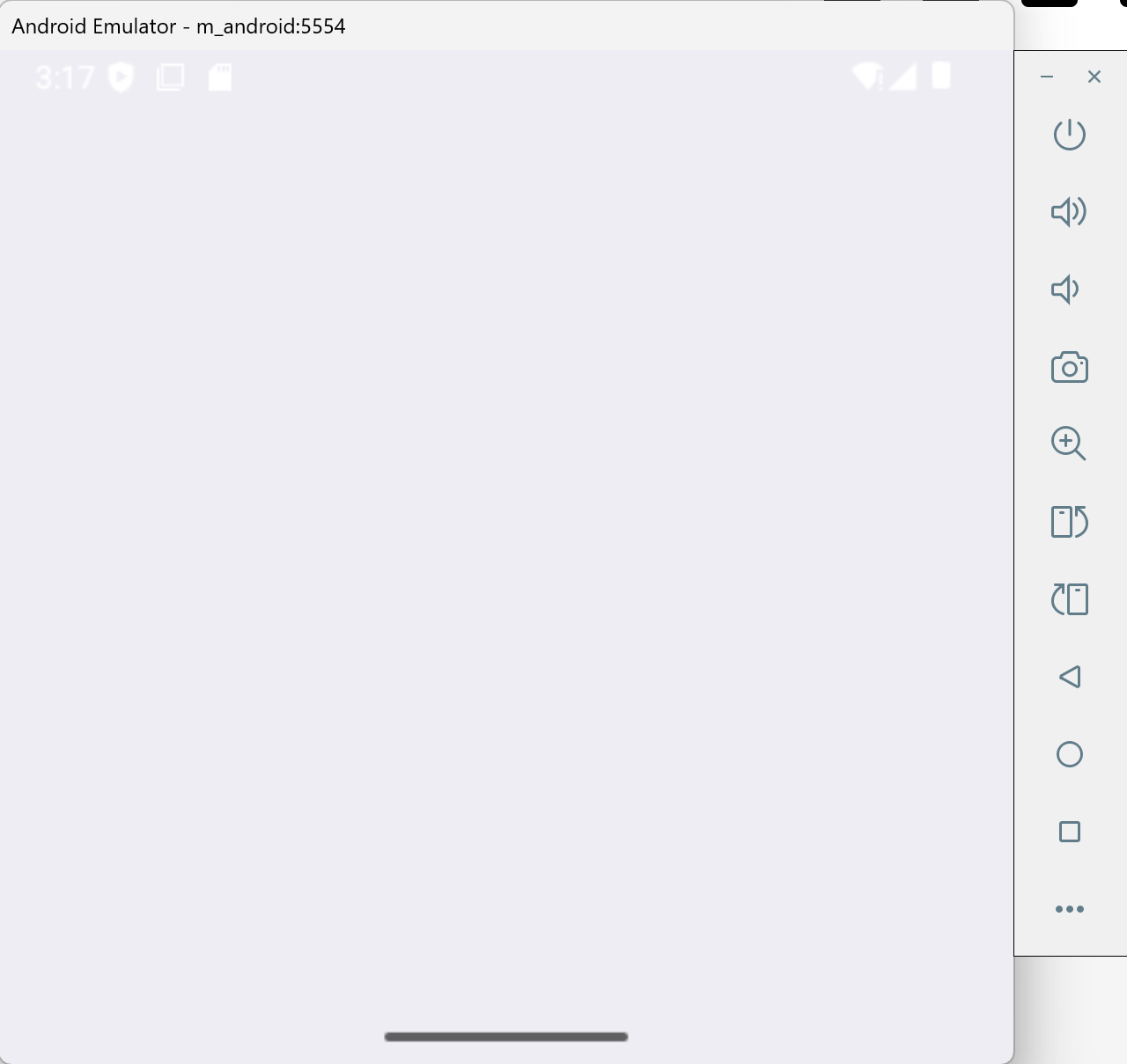 My code is no different from the official code. I just don't understand why there is nothing on the interface.
 -
I am currently learning how to use the QML language to create Android applications.In the official teaching documents of Qt, there is a step for adding background images to the interface. It seems not complicated, but when the program runs on the Android emulator, no images or other contents are displayed.
My code is no different from the official code. I just don't understand why there is nothing on the interface. -
@jsulm I tried again by placing the image in the qrc file, but the result was still the same.
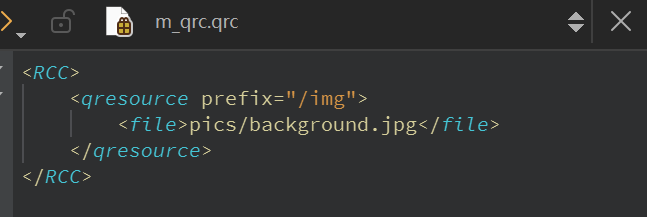
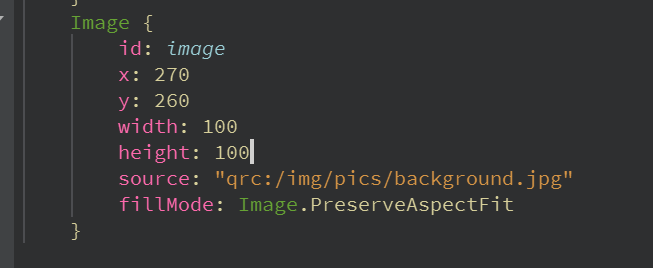

There must be something wrong, but I'm not sure exactly what. -
@jsulm I saw in the compilation output that the jpeg plugin has been packaged.
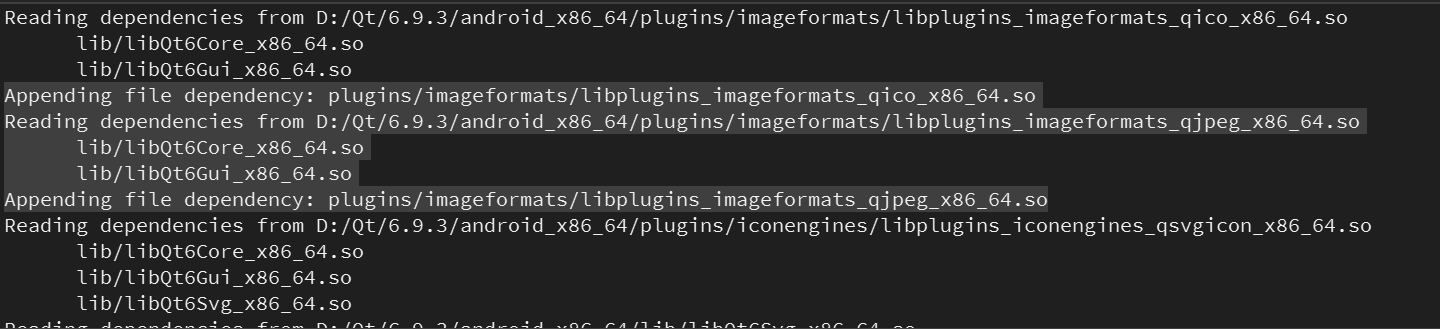
So I attempted to check in main.cpp whether this jpg file exists, and then I found that it always returned as non-existent during runtime.
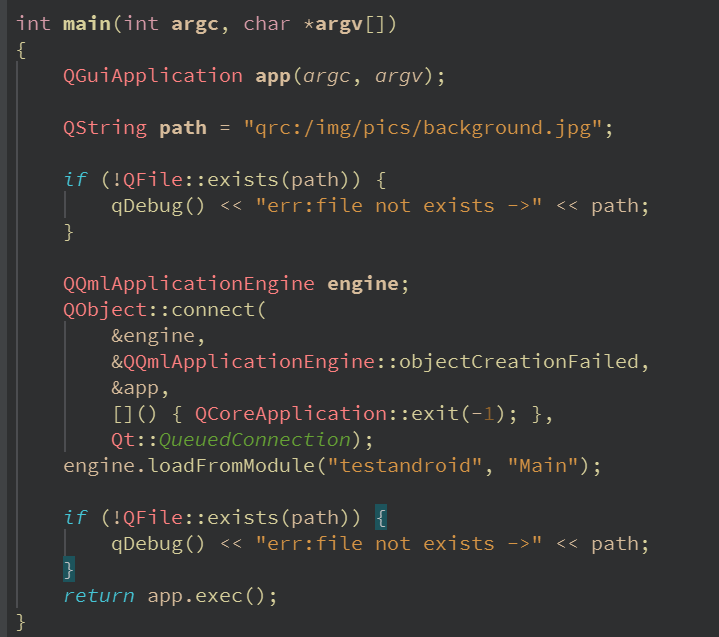
I suspect there might be an error in my configuration, but my CMakeLists.txt file seems to be fine.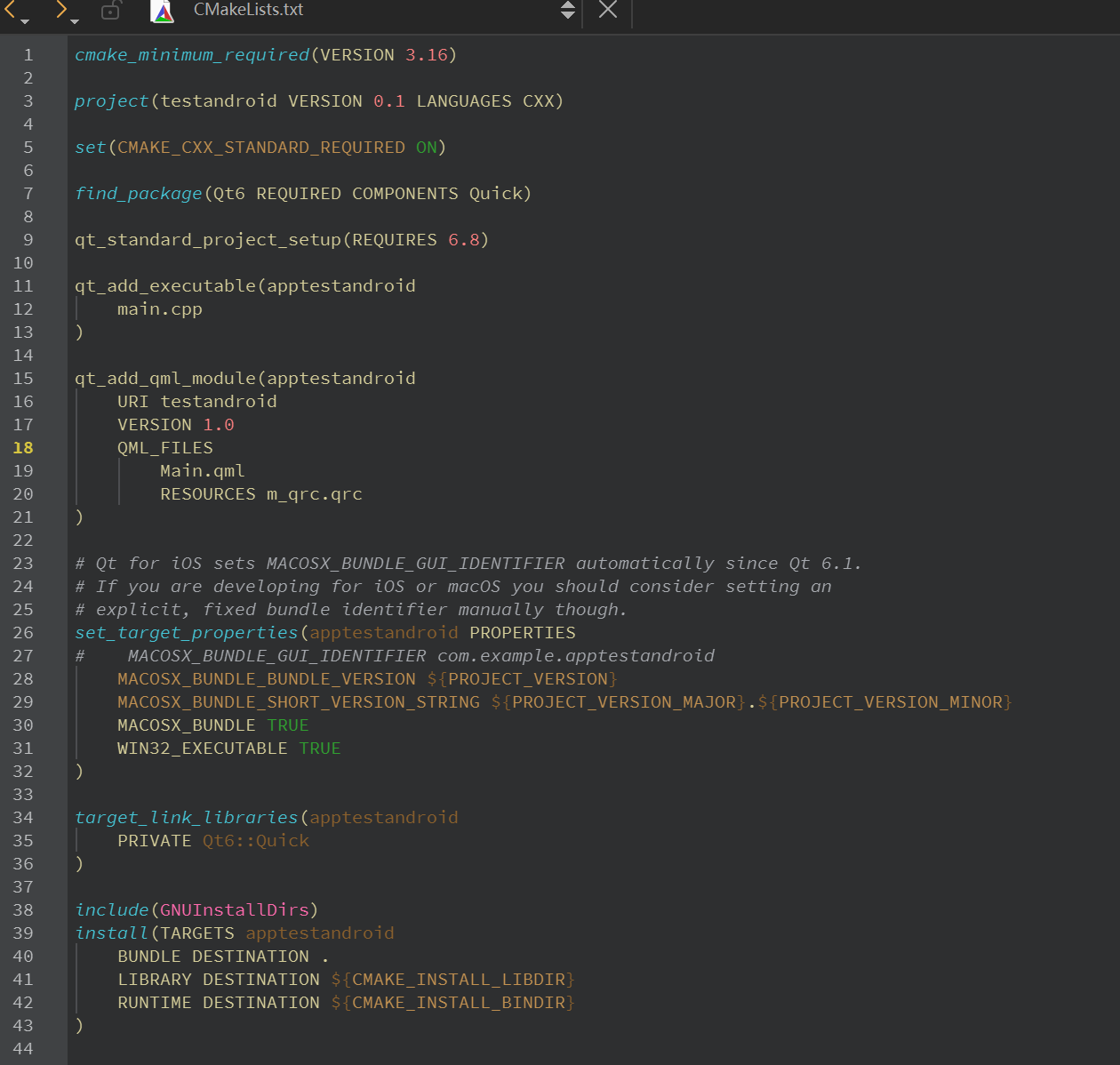
-
Please take a look at the documentation of qt_add_qml_module. There you can see under which resource path the image is located.
https://doc.qt.io/qt-6/qt-add-qml-module.html#resource-prefixAlso please don't post pictures but actual text.
-
Please take a look at the documentation of qt_add_qml_module. There you can see under which resource path the image is located.
https://doc.qt.io/qt-6/qt-add-qml-module.html#resource-prefixAlso please don't post pictures but actual text.
@Christian-Ehrlicher Thank you all for your support and assistance. Eventually, I discovered the solution. Originally, it was necessary to add the resource files in the "qt_add_executable" section of the CMakeList file, and set CMAKE_AUTORCC to ON. Although the images couldn't be seen in the QML Designer of Qt Creator, they were displayed perfectly on the Android emulator.
-
Z Z.Johnn has marked this topic as solved

