Improving 3D Robot Visualization in Qt Quick 3D – Should I Use OCCT?
-
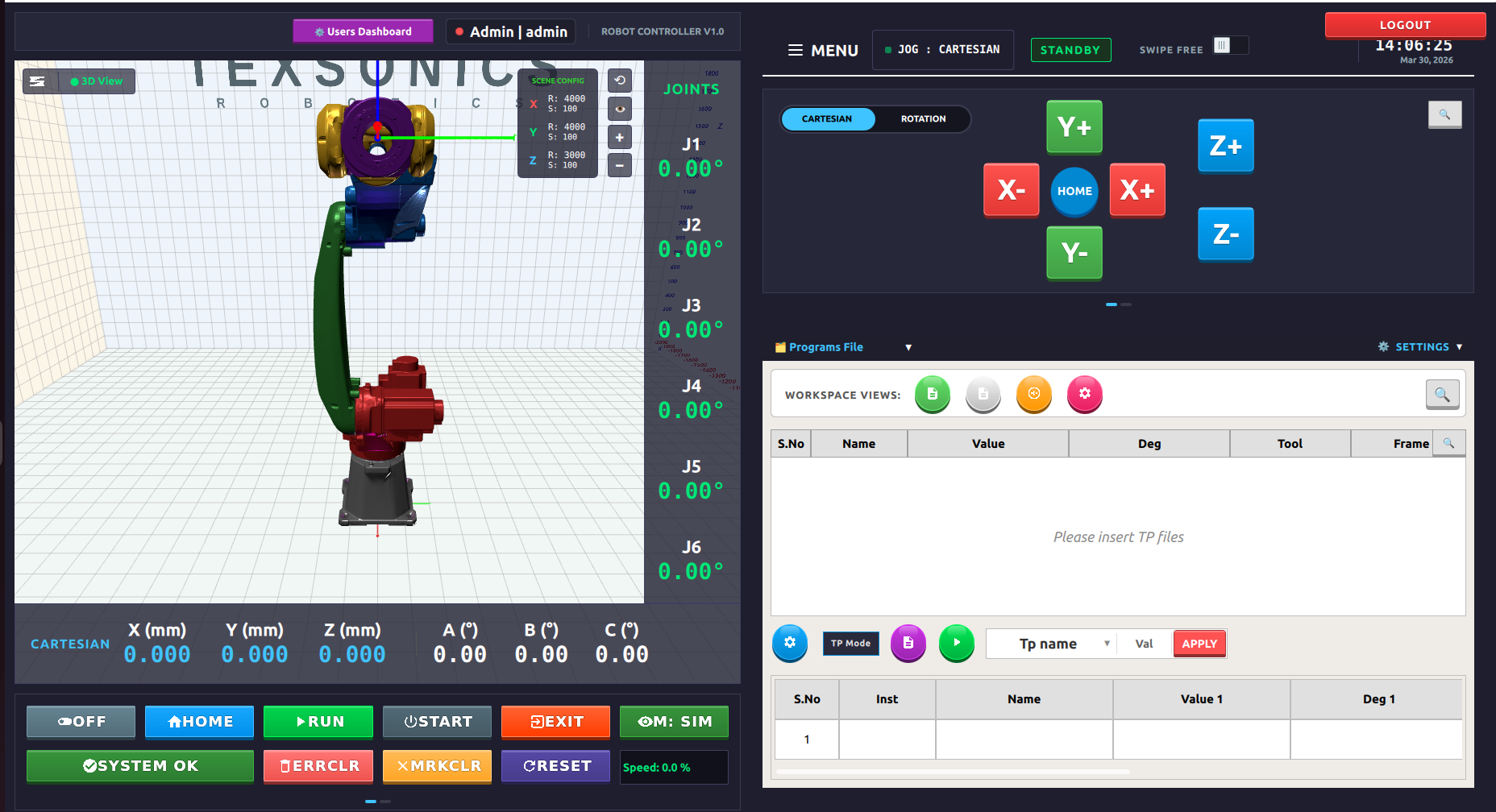
I developed a 6-axis robot project using Qt QML and C++. I converted my robot parts from STL to .mesh format using Balsam and imported them into QML with Qt Quick 3D. The application works, but the visual quality of the robot is not very professional.
My instructor suggested using Open CASCADE (OCCT) to import and render the robot model, mentioning that it would provide a more professional, CAD-like visualization similar to industrial robot viewers.
I am not sure if this is the right approach. Can OCCT be integrated with Qt Quick 3D for better rendering quality? Or is there a better way to improve the visual appearance of my robot within Qt?
We have completed almost everything required for production in our project, but the robot visualization is not looking good.
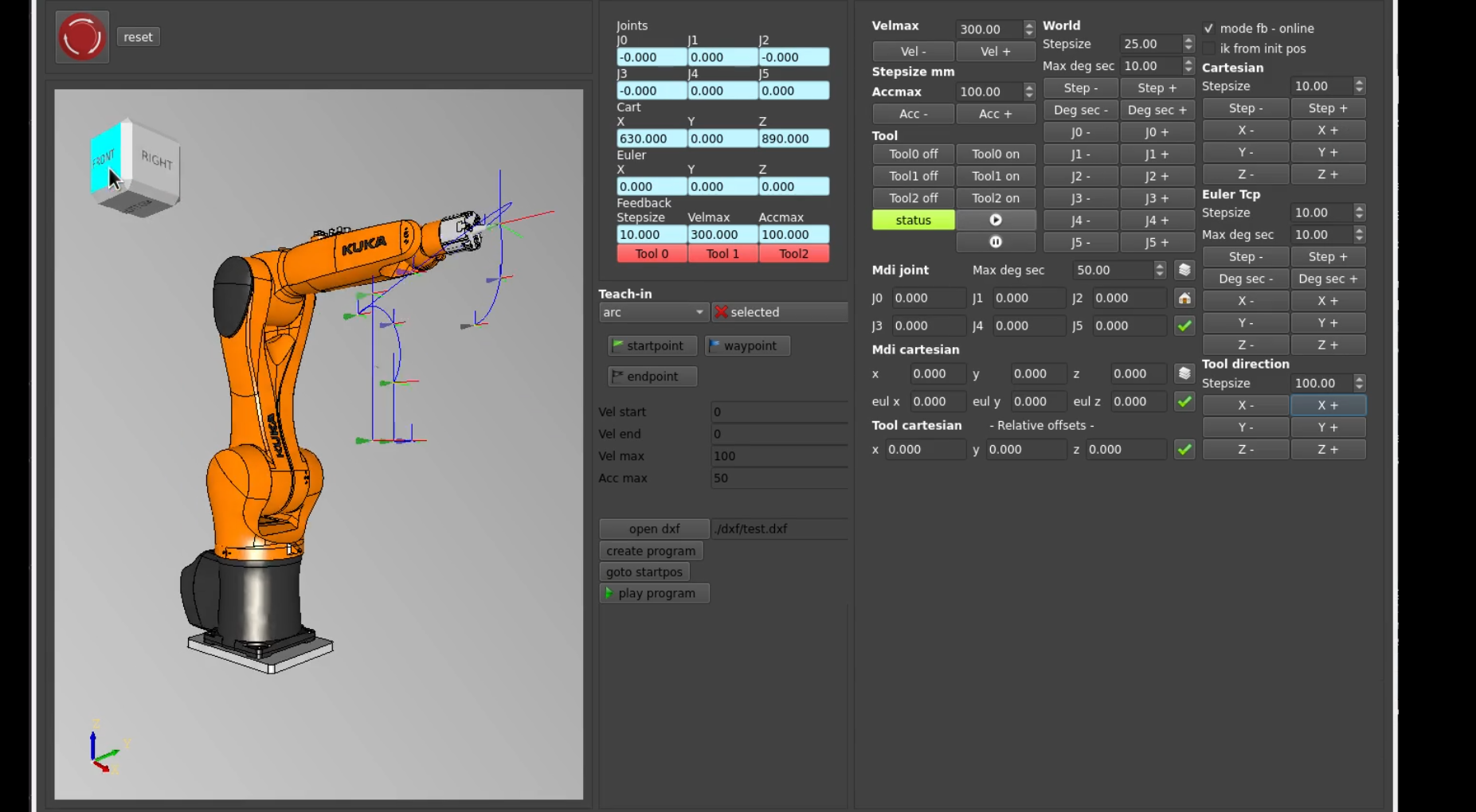
For reference, we followed this project:
https://github.com/grotius-cnc/skynet_robot_control_rtos_ethercatIn that project, they use Open CASCADE (OCCT) with a Qt Widgets application, which gives a more professional visualization.
However, in our case, we are using Qt QML with Qt Quick 3D and a custom C++ backend. While the functionality works correctly, the visual quality of the robot is not as good as the reference project.