
QFrame subclass with round corners and a custom titlebar
-
Hi all!
I'm trying to implement a colorpicker application using Qt6. I have a custom window class (which will be the main application window) which is a subclass of
QFrameand I want it to have round corners. Github link
Link to the whole code base is here-
Setting
border-radiusin stylesheets alone did not work. I get round corners but there's a rectangular corner underneath the round corner, which defeats the purpose.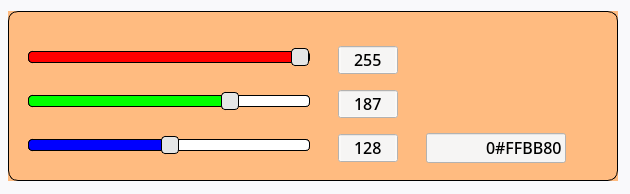
-
Overriding the
paintEventmethod gave me what I wanted (I had to usesetAttribute(Qt::WA_TranslucentBackground)to avoid getting white rectangular corners underneath the rounded corners here) .
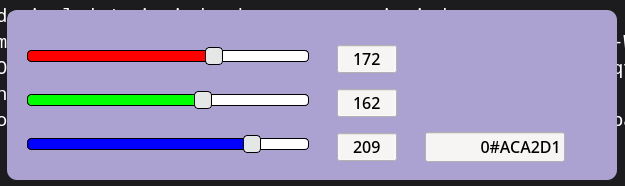
Even though this works, II'm worried about the performance of my implementation. Here's the method implementation.
virtual inline void paintEvent(QPaintEvent* _paint_event) noexcept override {
            QPainter _painter { this };
            _painter.setRenderHint(QPainter::RenderHint::Antialiasing);
            _painter.setBrush(
                QBrush {
                   QColor {
                           _slider_values[configs::rgb_offsets::RED], _slider_values[configs::rgb_offsets::GREEN], _slider_values[configs::rgb_offsets::BLUE] }
            }
            );
            _painter.setPen(Qt::GlobalColor::transparent); // thin borders

            QRect _current_rect { rect() };
            _painter.drawRoundedRect(_current_rect, 10, 0);
            QWidget::paintEvent(_paint_event);
            update(); // without this only the edges of the sliders got painted while the background wasn't responsive???
        }
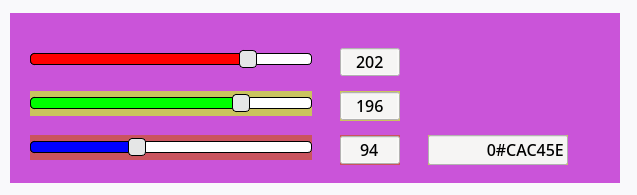
Without the call to
update()at the end ofpaintEvent(), this is what I got.
Prior to overriding the
paintEventmethod, I used thesetPalettemethod to update the background with the current slider values.[[maybe_unused]] inline void __attribute__((__always_inline__)) __update_bg() noexcept { // update the colour palette with the current state of the sliders _palette.setColor( QPalette::Window, QColor { _slider_values[configs::rgb_offsets::RED], _slider_values[configs::rgb_offsets::GREEN], _slider_values[configs::rgb_offsets::BLUE] } ); setPalette(_palette); // set the updated palette, triggering a window redraw }My questions are;
- Am I doing this in the most efficient way? (I'm not looking for an idiomatic way, I'm more interested performance).
- What is the best way to implement the
paintEventmethod, granted that I only use it for round corners and updating the background colour based on the slider positions? - What's the best way to introduce a custom title bar at the top of this window so it looks like the following image. (i.e. a custom title bar with custom icons)

Thank you in advance. I'd appreciate any help regarding this.
System info:
Qt version 6.10.2 on Fedora Linux 43 (Workstation Edition) -
-
Hi, some time ago I did a similar Qt app called ColorSliders https://gitlab.com/tungware/app/-/tree/main/ColorSliders, in that one I overlay one slider with another.
Screenshot: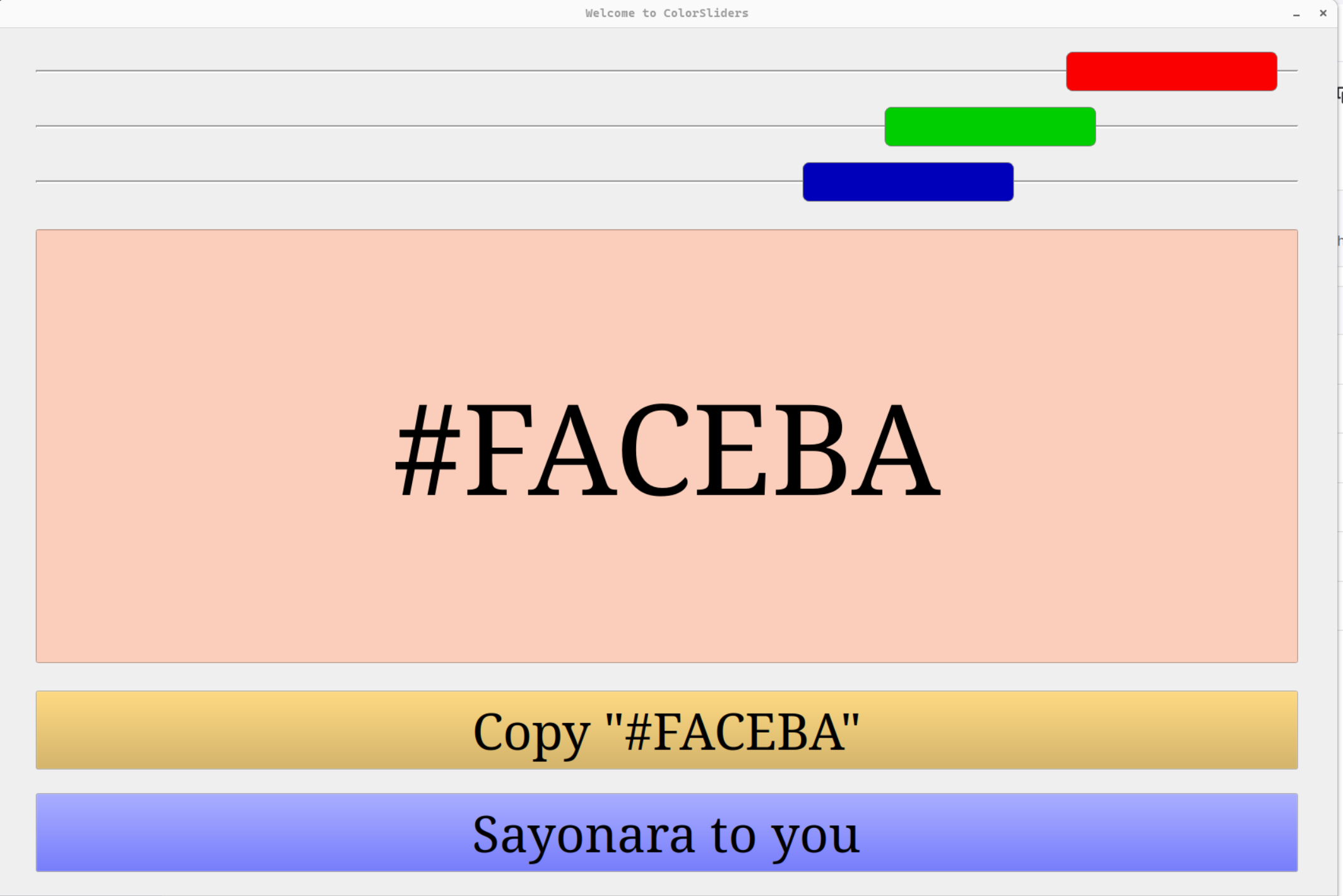
-
Hi, some time ago I did a similar Qt app called ColorSliders https://gitlab.com/tungware/app/-/tree/main/ColorSliders, in that one I overlay one slider with another.
Screenshot:@hskoglund hey, thanks for the response. Not sure how that helps my situation though. I want round corners for the main window, not the sliders. I have already achieved that just through stylesheets. Didn't have to overlay two sliders.
