
What is the best way to show multiple pictures on a widget?
-
Hello, I've just started learning QT recently for a school project and I am unsure about something.
This is what I have right now, but it is written in an unmaintainable and ugly way.
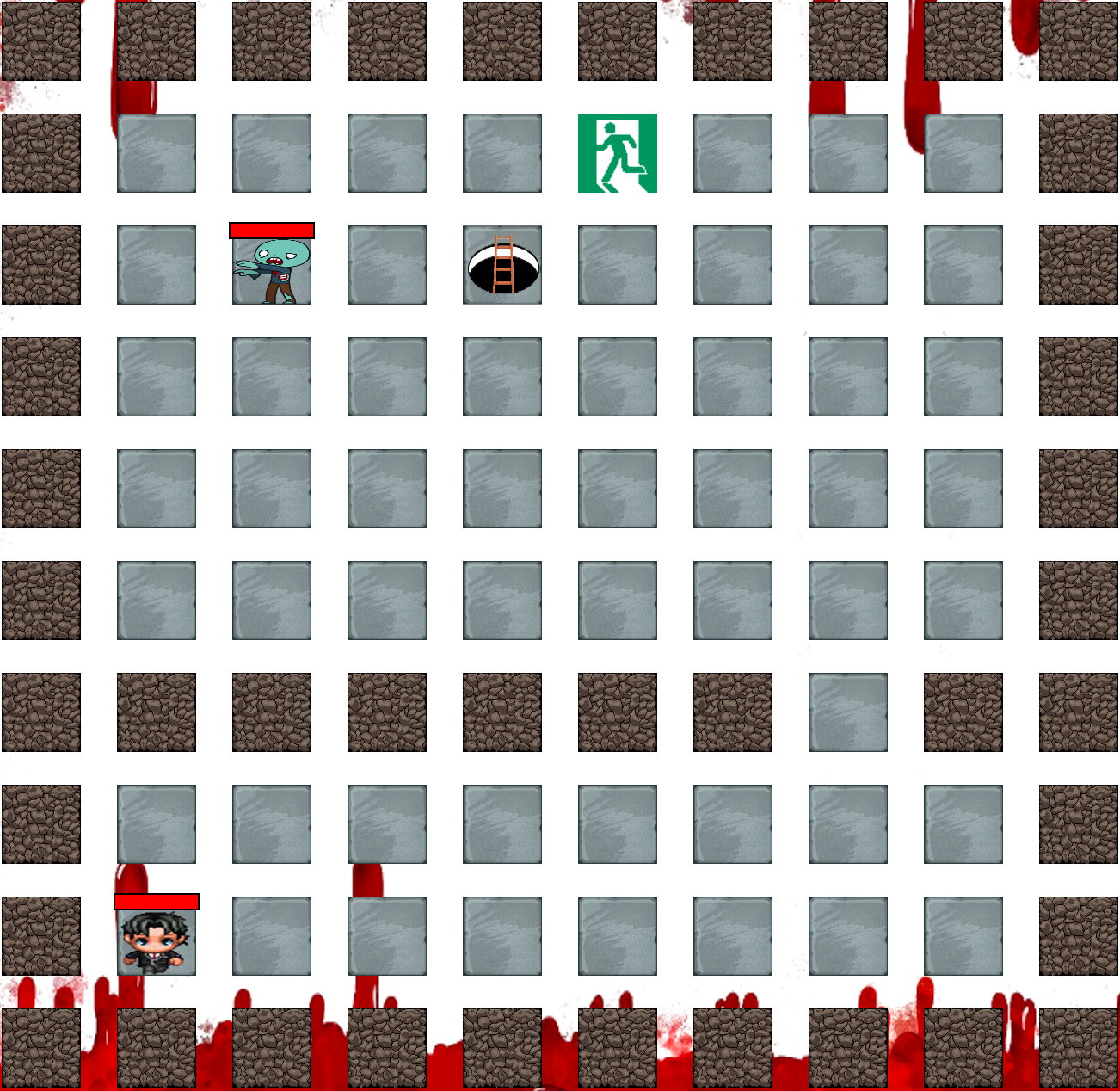
For each widget in the grid layout, i want to show three things, tile texture : static and a character texture and healthbar (character is image, healthbar currently im using a qwidget with a linear gradient stylesheet, but that's not a good solution, both change place on every turn).
I am not asking how to handle the changes, but how to actually draw them on the QWidget. Is the best solution creating three QLabels, setting a pixmap to each, and setting QTile as their parent? I have tried using QPainter but it seems that for that I have to change the paintEvent function? I am not looking for the actual code but just directions.
Thanks
-
If I were writing this "for real": each
QWidgetcomes with quite some overhead. You already have 100, then you are talking about 3 pixmaps per widget making it 300, and it won't scale well if you increase the number of pictures you want.I would probably use something from: (a) forget widgets and go
QGrapicsScene/View, (b) do it as aQAbstractTableModel+QTableViewwith your ownQStyledItemDelegateto draw the picture or (c) maybe some kind of single "table" widget with each pic painted at whatever position on it.Of course I quite understand if you don't want to do one of those or the purpose of the project is to use multiple widgets like you have at the moment. It also depends on what you are intending to do with this screen/pictures and your end user. You may wait to see if others agree or disagree with me.
